
Use case
Edit eBay Listing Photos at Reseller Speed
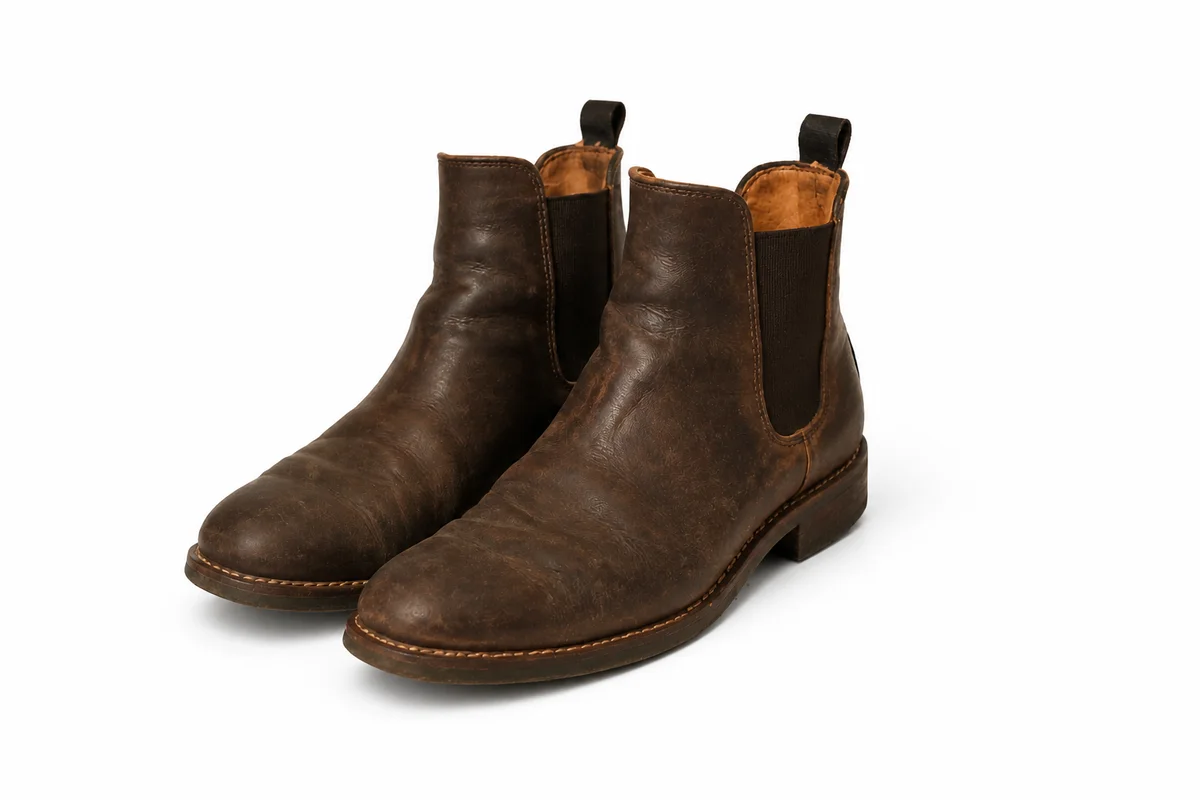
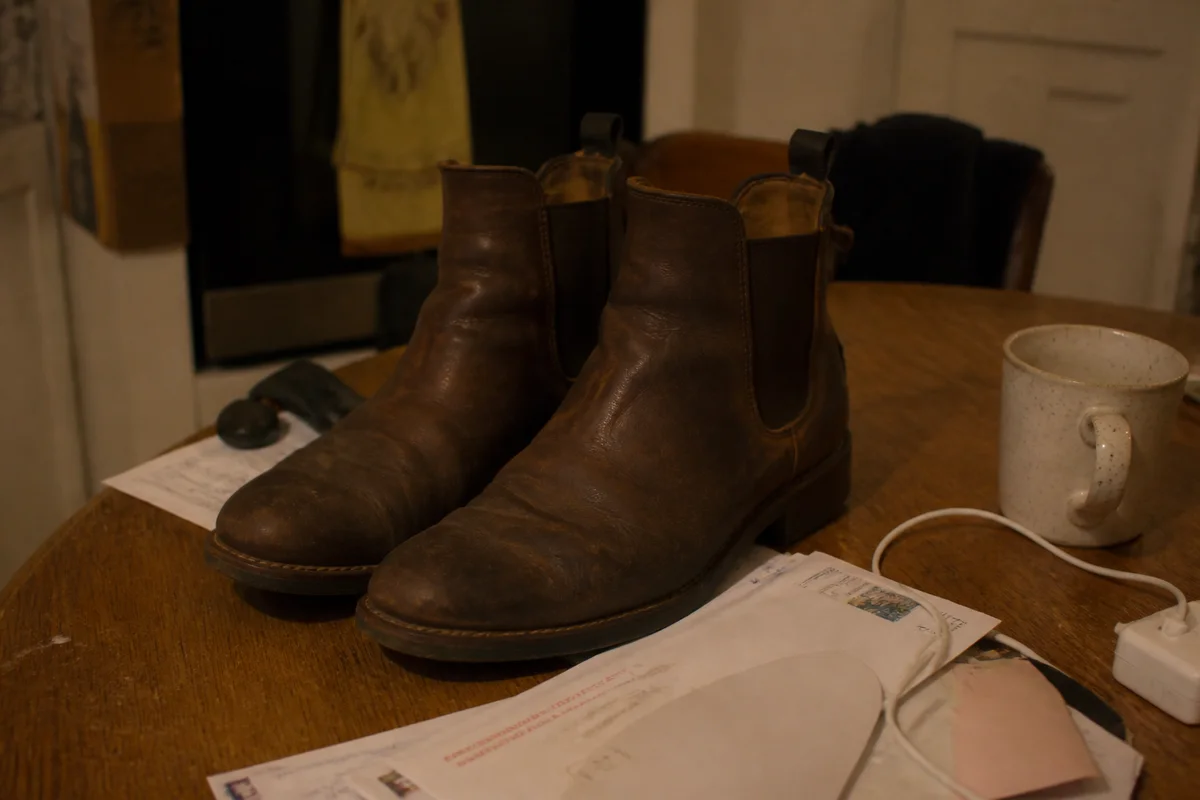
The workflow in action — drag to compare.
Volume resellers live on throughput: sourcing hauls become listings, and every listing needs photos that earn the click without eating the evening. The kitchen-table photo setup produces inconsistent results — different backgrounds, different light, different color from one listing to the next — and eBay's search results put your gallery photo directly beside competitors who figured this out.
AI editing standardizes the whole operation. Cut each item out and drop it on the same clean white background, brighten and color-correct so a batch shot across different sessions looks like one catalog, and sharpen the closeups that document condition — because on eBay, the flaw photo is as important as the beauty shot.
The result is a store where every thumbnail looks intentional, edited colors are easy to check against the item before listing, and photographing a twenty-item haul stops being the bottleneck.
The problems this solves
- Kitchen-table setups produce a different background and light in every listing.
- Gallery thumbnails compete directly with professional sellers in search results.
- Color casts from mixed lighting make it hard for buyers to judge an item.
- Condition closeups come out too soft to document flaws clearly.
A workflow that works
Cut the item out
One clean cutout per item is the foundation of a consistent store — no more table edges and shadows in half the photos.
AI Background RemoverDrop it on consistent white
A uniform white background across the whole store makes gallery thumbnails look professional and comparable.
AI Background ChangerCorrect the color
A burgundy sweater that photographs red sets the wrong expectation — reduce the cast, then compare with the garment before listing.
AI Color CorrectionSharpen the condition shots
Crisp closeups of tags, soles, hallmarks, and flaws are what let buyers trust the condition grade.
AI Image SharpenerUpscale for zoom
eBay's zoom rewards larger images; upscaling keeps detail sharp when buyers inspect.
AI Image UpscalerFrequently asked questions
What's the fastest workflow for photographing a big haul?
Shoot everything in one session near a window — same spot, same angle — then batch the edits: background removal, white backdrop, color correction. Consistent capture makes consistent editing fast.
Should I edit the flaw photos too?
Sharpen and brighten them, yes — but never remove or minimize the flaw itself. Photograph flaws clearly and separately, and disclose them in the listing.
What image size does eBay recommend?
eBay requires at least 500 pixels on the longest side and recommends 1600 for zoom. Upscale small photos rather than uploading them at minimum size — zoomable detail sells condition.
Do white backgrounds actually matter on eBay?
For the gallery photo, consistency and clarity matter most, and white delivers both — it also keeps you compatible with other channels like Amazon if you cross-list. Lifestyle context can go in the later photo slots.
Related use cases