
Use case
Edit Teacher and School Staff Photos with AI

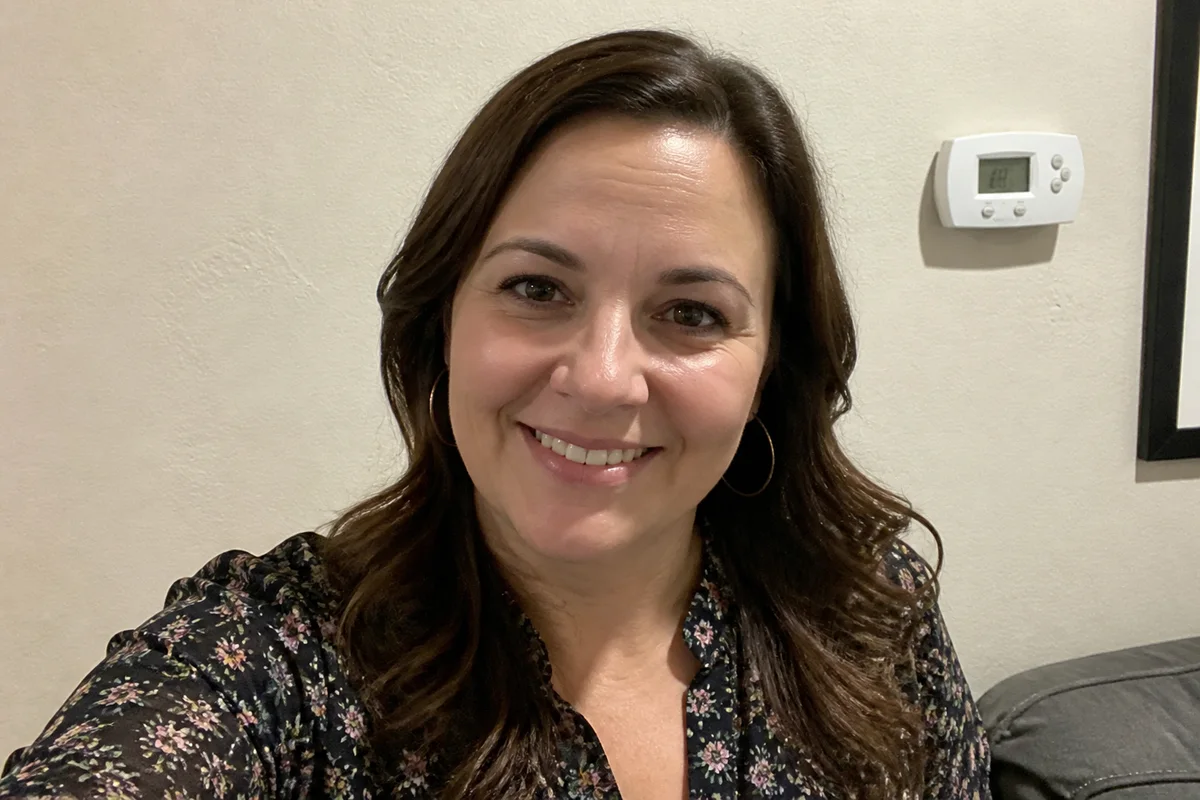
The workflow in action — drag to compare.
School websites, directories, and yearbook staff pages all need the same thing: a consistent, friendly photo of every teacher and staff member — and collecting them is famously painful. Picture day misses the hires who started in November, retakes never happen, and the submitted photos range from professional headshots to cropped vacation selfies against five different walls.
AI editing standardizes the chaos. Put every staff member against the same clean backdrop regardless of where their photo was taken, even out the lighting so the November hire's office snapshot matches the picture-day originals, apply light natural retouching, and crop everything to the directory's uniform dimensions.
For the office manager assembling the staff page, that means any decent phone photo becomes an acceptable submission — and the directory finally looks like it was all taken on the same day.
The problems this solves
- Staff photos arrive from a dozen sources against a dozen backgrounds.
- Mid-year hires miss picture day and never match the set.
- Submitted selfies have home lighting and awkward framing.
- The directory needs identical crops from wildly different originals.
A workflow that works
Standardize the background
Every photo lands on the same school-appropriate backdrop, making a directory of mixed submissions look uniform.
AI Background ChangerMatch the lighting across the set
Evening out bright, dim, and yellow submissions makes the staff page read as one photo session.
AI Lighting ChangerRetouch lightly
A gentle pass on shine and blemishes keeps everyone looking like themselves on a good day — appropriate for a school context.
AI Face RetouchCrop to the directory spec
Identical head-and-shoulders framing across every entry is what makes the page look organized.
AI Photo ReframeFrequently asked questions
What's the easiest way to collect usable staff photos?
Ask everyone for a phone photo taken facing a window, shoulders up, any plain-ish background — then standardize backgrounds, lighting, and crop in editing. It removes the need for a scheduled photo day entirely.
What backdrop works for school staff pages?
A neutral solid — soft gray, muted blue, or the school's brand color at low saturation. Consistency matters more than the specific choice; pick one and apply it to every photo.
How do we handle staff who dislike being photographed?
Let them submit any photo they're comfortable with and improve it — great lighting and a clean backdrop help most people warm to their own photo. Natural retouching, never dramatic alteration, keeps trust.
What size should directory photos be?
Uniform dimensions matter more than the exact pixels — 600x600 or 600x800 covers web directories well. Keep an uncropped edited master of each person for yearbook and print uses later.
Related use cases