
Use case
Edit Tattoo Portfolio Photos with AI
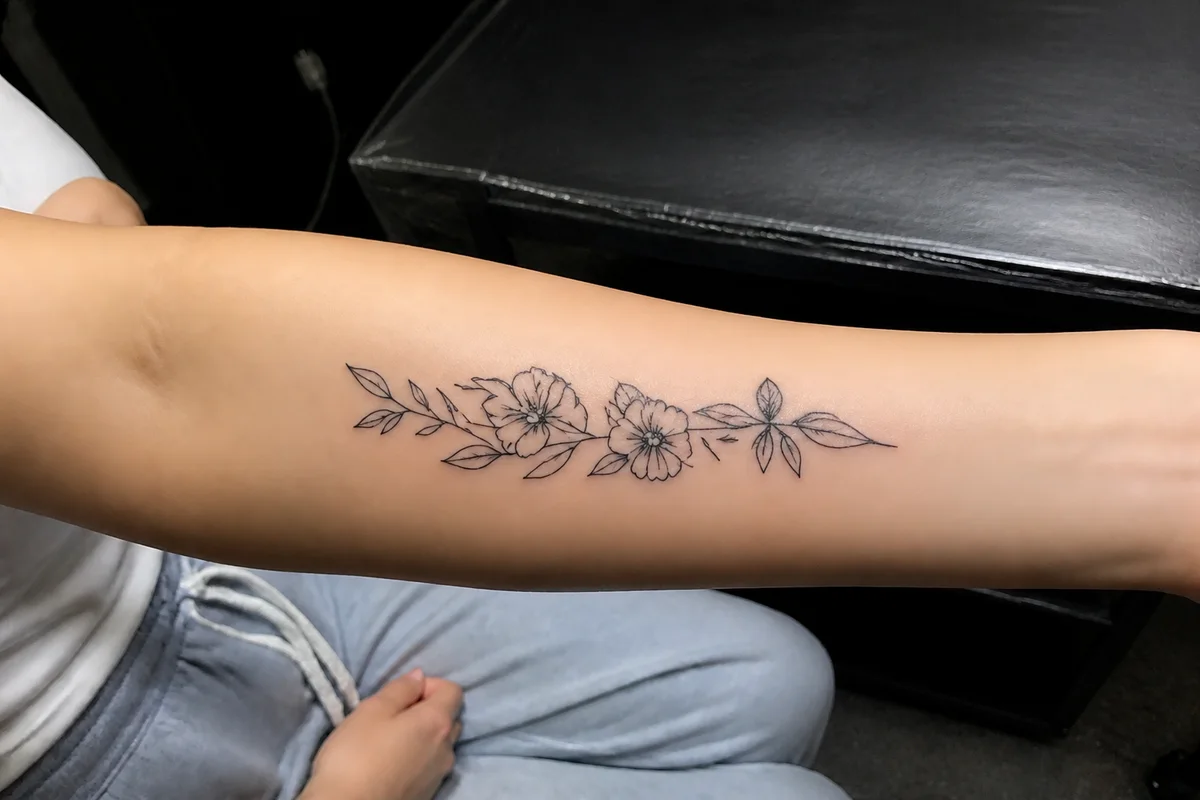
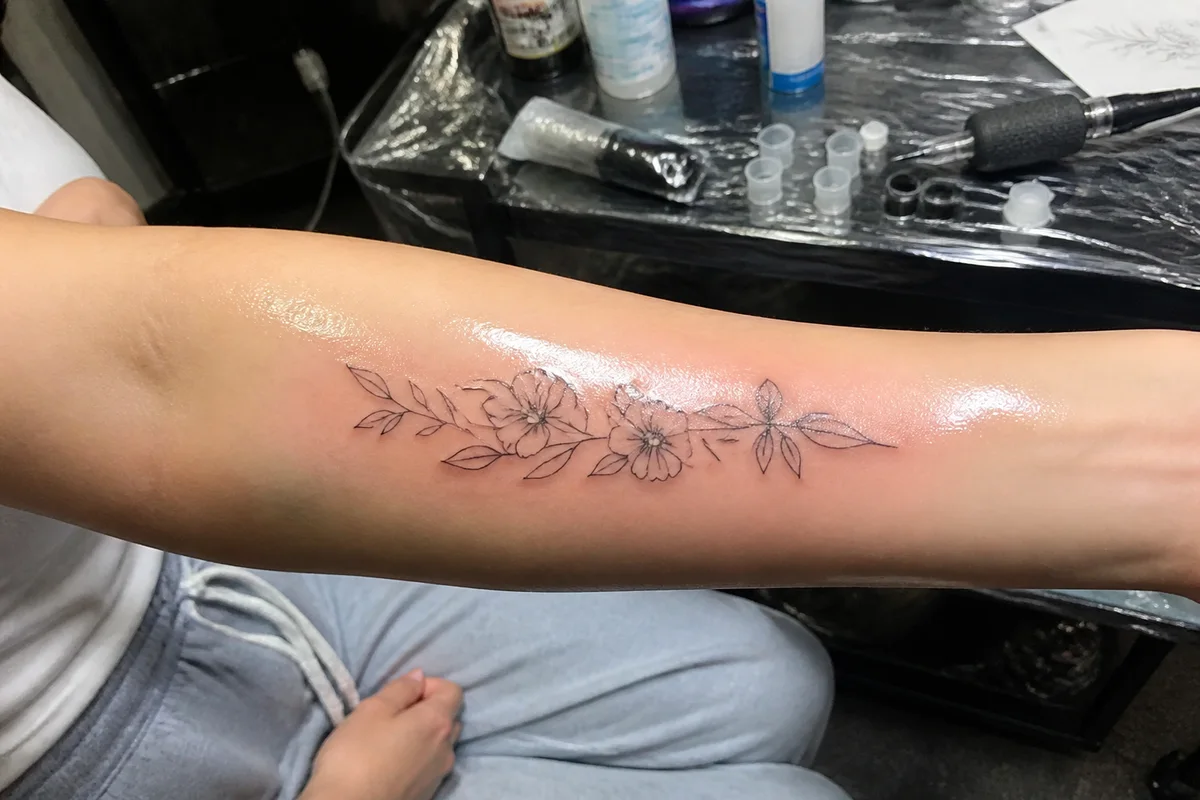
The workflow in action — drag to compare.
A tattoo portfolio has one job: show linework, shading, and color exactly as they sit in skin. The just-finished photo works against you — fresh ink glistens under ointment and stencil residue, studio lighting throws glare off the shine, and the redness around fresh work distorts how the ink itself reads. The healed photo weeks later shows the settled result, but clients rarely come back just for a picture.
AI editing gets the fresh photo closer to the healed truth. Cut the ointment shine so lines read cleanly instead of glinting, correct color so ink saturation is accurate across every skin tone you work on, tidy the studio clutter behind the arm, and sharpen so fine linework and dotwork hold up when a prospective client zooms in.
Your portfolio is the argument for your rate — every piece that leaves the chair deserves a photo that shows the actual work, not the aftercare.
The problems this solves
- Fresh ink shines under ointment, throwing glare across the linework.
- Studio lighting and redness distort ink color and saturation.
- Fine linework and dotwork go soft in quick chair-side phone shots.
- Studio clutter — equipment, wrap, bottles — fills the frame behind the work.
A workflow that works
Cut the fresh-ink shine
Ointment glare hides the linework you just spent four hours on; removing it shows the piece, not the aftercare.
AI Glare RemovalGet ink color accurate
Clients across every skin tone need to see how your color actually sits; correction removes the lighting's distortion.
AI Color CorrectionSharpen the fine work
Single-needle lines and dotwork gradients are your signature — they must survive a client's zoom.
AI Image SharpenerClean up the studio frame
The wrap roll and bottles vanish so the composition is skin and ink.
AI Object RemoverFrequently asked questions
Fresh photo or healed photo for the portfolio?
Both when possible — fresh shows precision, healed shows how your work settles, and clients trust artists who post healed results. Editing brings the fresh shot closer to the settled result; ask happy clients to send a healed photo at the touch-up check-in.
Is editing tattoo photos misleading to potential clients?
Removing glare and correcting the lighting shows the work more accurately, not less. The line is altering the tattoo itself — never sharpen wobble out of a line or saturate ink beyond what's in the skin.
How do I photograph dark ink on deep skin tones well?
Use soft, angled light rather than direct flash, slightly overexpose, and let color correction bring the balance back. Portfolios that show great work across all skin tones book wider — it's worth mastering.
What crop works best for tattoo portfolio posts?
Fill the frame with the piece plus enough body context to show placement and flow. A consistent 4:5 crop across the grid presents flash and custom work as one coherent portfolio.
Related use cases