
Use case
Edit Maternity Photos with AI
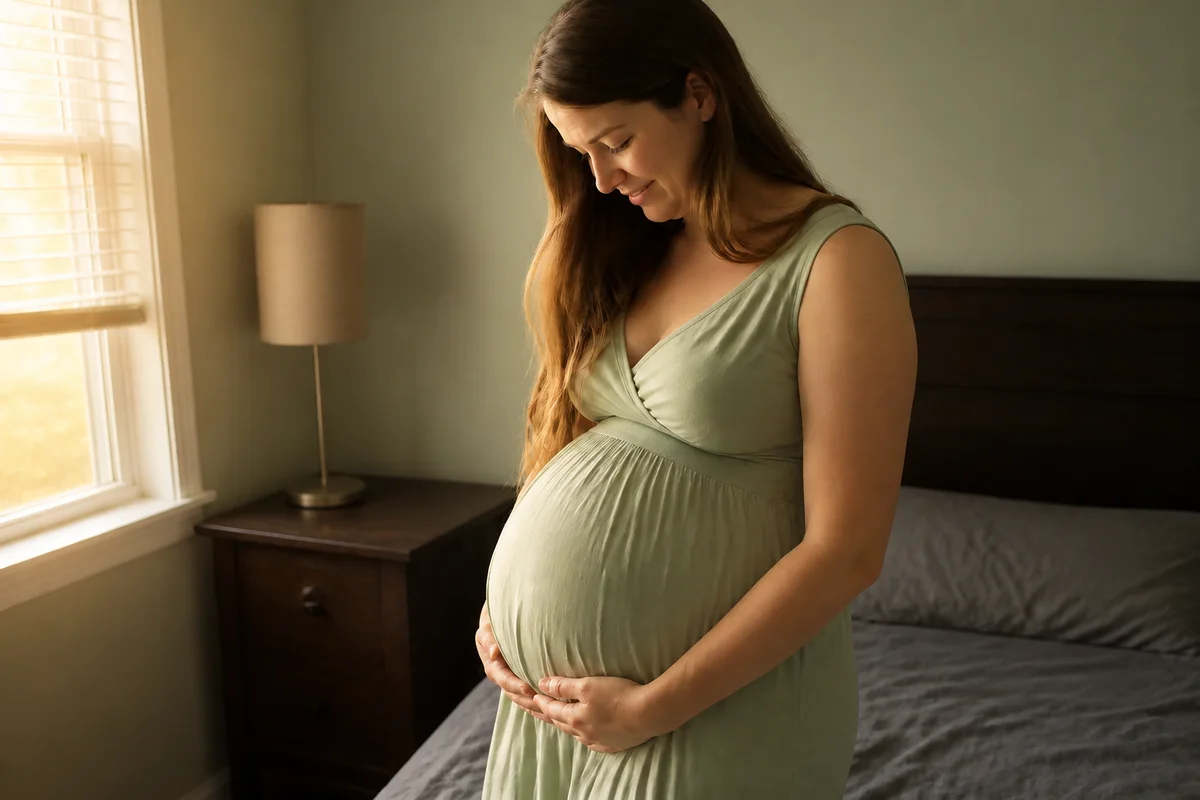
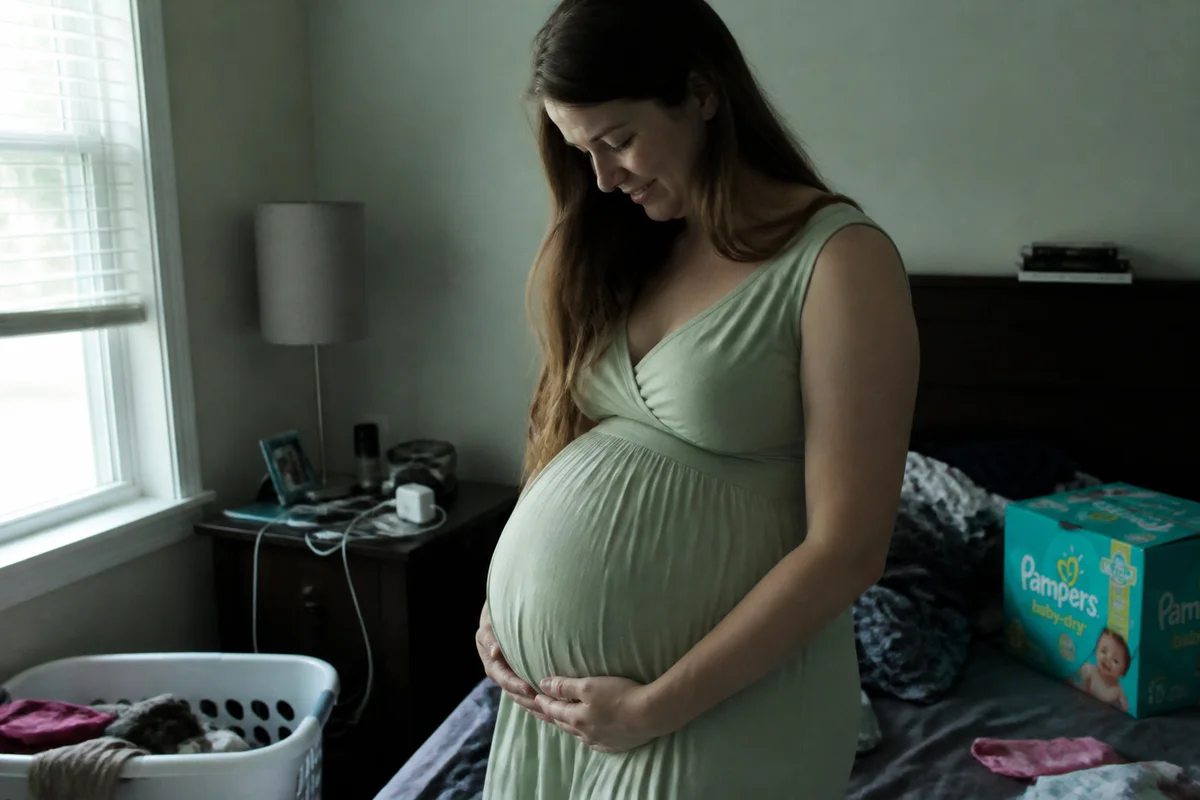
The workflow in action — drag to compare.
Maternity photos have a narrow window — usually a few weeks late in the pregnancy when the bump is unmistakable and standing for a session is still comfortable. If the weather, the light, or the location doesn't cooperate that week, there's no rescheduling around it. Many families end up with backyard or living-room phone shots of a moment that deserved better staging.
AI editing gives those photos the treatment a planned session would have: shift a gray afternoon to golden-hour warmth, clean the garden hose and patio furniture out of the frame, balance indoor color casts so skin looks natural, and apply retouching gentle enough to keep the realness that makes maternity photos moving in the first place.
The finished shots work everywhere the milestone gets shared — the pregnancy announcement, the nursery wall, and the first page of the baby book.
The problems this solves
- The comfortable-week window for the shoot rarely lines up with good weather and light.
- Home and backyard settings put clutter and distractions behind an intimate portrait.
- Indoor shots cast unflattering color on skin at exactly the moment mom wants to feel radiant.
- Announcement layouts need wider framing than the vertical phone shots that were taken.
A workflow that works
Warm the light to golden hour
The glow maternity sessions are known for comes from low, warm light — shift a flat midday shot to the hour photographers actually book.
AI Time of DayRemove background distractions
Erase the hose, the trash bins, and the parked car so the frame holds nothing but the two of you and the bump.
AI Object RemoverBalance skin tones
Indoor bulbs and shade both shift skin color; correction restores the warm, natural tone the moment deserves.
AI Color CorrectionRetouch gently
Light cleanup of shine and temporary blemishes — pregnancy is the subject, so the editing should be invisible.
AI Face RetouchExpand for announcement layouts
Widening the canvas gives announcement cards space for the due date and name reveal without cropping into the portrait.
Generative ExpandFrequently asked questions
When should maternity photos be taken?
Most people shoot between about 28 and 36 weeks, when the bump reads clearly on camera and standing for a session is still comfortable. Editing removes the pressure to nail conditions in that window — shoot when you feel good and fix the light afterward.
Can editing make a living-room maternity shot look intentional?
Yes. Clearing clutter, softening the background, and relighting are exactly the differences between a snapshot and a session photo. A plain wall plus window light gives the editor the most to work with.
Is body retouching appropriate for maternity photos?
The convention is minimal: even out skin tone and remove temporary blemishes, but leave the body as it is — the changing body is the point of the photo. Most families regret over-edited maternity photos within a few years.
How do I turn one photo into a pregnancy announcement?
Expand the canvas to create clean space for text, keep the composition so faces and bump sit off-center, and export a 4:5 crop for feeds plus a wider version for cards and family prints.
Related use cases