
Use case
AI Retouching for Photography Studio Workflows
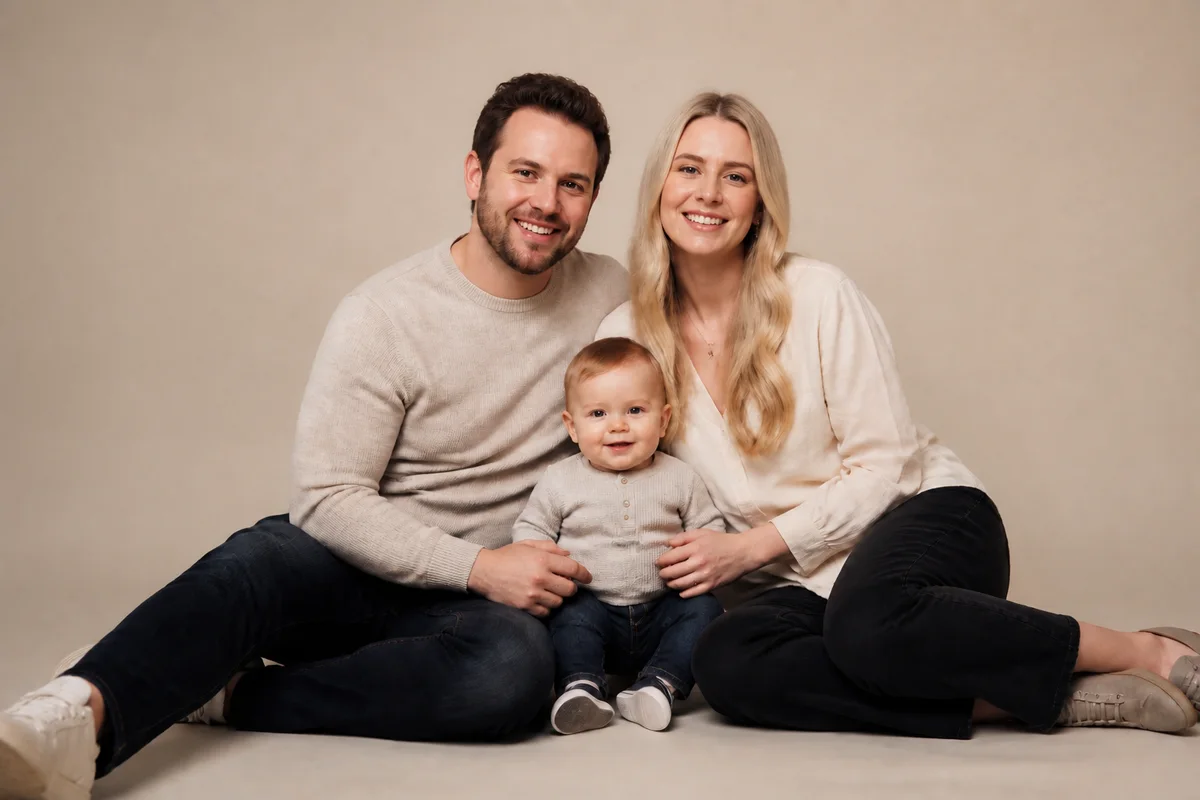
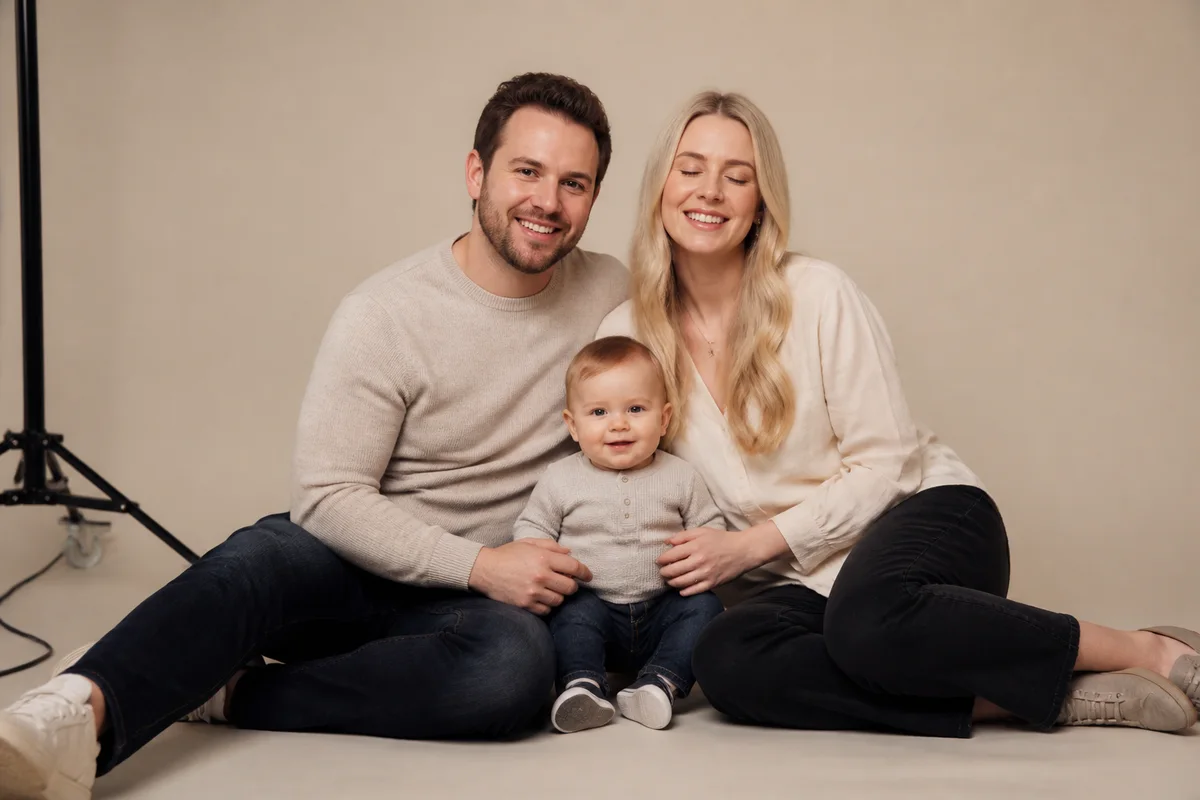
The workflow in action — drag to compare.
For a working studio, retouching is the bottleneck between shoot day and paid delivery. Family sessions produce the group frame where one child blinked, school and team days produce hundreds of near-identical frames each needing the same cleanup, and every client gallery needs consistent skin retouching, background tidying, and print-ready output — hours of work that happen after the creative part is done.
AI editing compresses that back-end. Open the blinked eyes in the keeper frame instead of compositing from another shot, fix the one sour expression in the family group, run natural-looking skin retouching that holds up at print size, clean stray equipment out of location backgrounds, and upscale crops that clients inevitably order as enlargements.
The studio's craft stays in the shooting and the art direction — the editor just gives back the evenings currently spent on cleanup passes.
The problems this solves
- Retouching hours pile up between shoot day and gallery delivery.
- Group sessions yield keeper frames ruined by a single blink or grimace.
- Clients order enlargements from frames cropped too tight for the print size.
- Location shoots leave stands, cords, and assistants at the frame edges.
A workflow that works
Fix the blink in the keeper
Opening eyes in the best frame beats head-swapping from a worse one — minutes become seconds on every group session.
AI Open Closed EyesRescue the near-perfect expression
The frame where everything works except one grimace becomes deliverable without a composite.
AI Expression ChangerRetouch skin naturally
Consistent, natural retouching across a gallery — cleanup that holds at 16x20 without the plastic look clients complain about.
AI Face RetouchClean the location frames
Light stands, cords, and bystanders exit the frame without a cloning session.
AI Object RemoverUpscale for enlargement orders
When the client orders a 20x30 of a cropped frame, upscaling covers the print order without a reshoot conversation.
AI Image UpscalerFrequently asked questions
Does AI retouching hold up at print sizes clients order?
Natural retouching plus upscaling delivers files that print cleanly at standard enlargement sizes. Review at 100% before sending to the lab, as you would any retouched file — the checking stays; the hours of brushwork go.
How does this fit an existing Lightroom or Capture One workflow?
Do color and exposure in your raw workflow as usual, then bring the frames needing structural fixes — blinks, expressions, object removal, upscaling — into the browser editor, and return the results to your catalog for final output.
Is AI-edited work something to disclose to clients?
Studios have always retouched; the tool changed, not the service. The professional standard is unchanged: deliver a natural result the client loves, and follow whatever editing policies you already publish for school, sports, or editorial contracts.
Can it keep retouching consistent across a whole gallery?
Yes — applying the same treatment across a session is exactly where it saves the most time. Batch the similar frames, spot-check the set, and hand-finish only the hero shots.
Related use cases