
Use case
Edit Motorcycle Sale Photos with AI
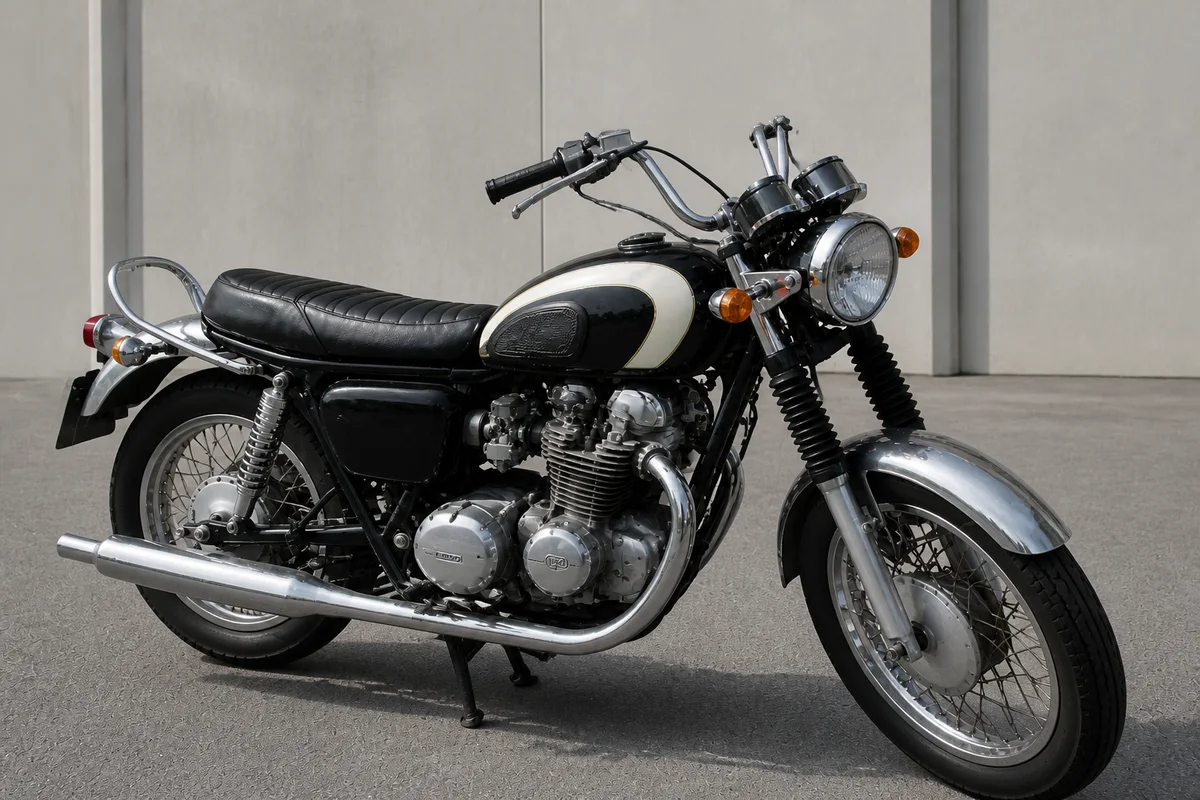
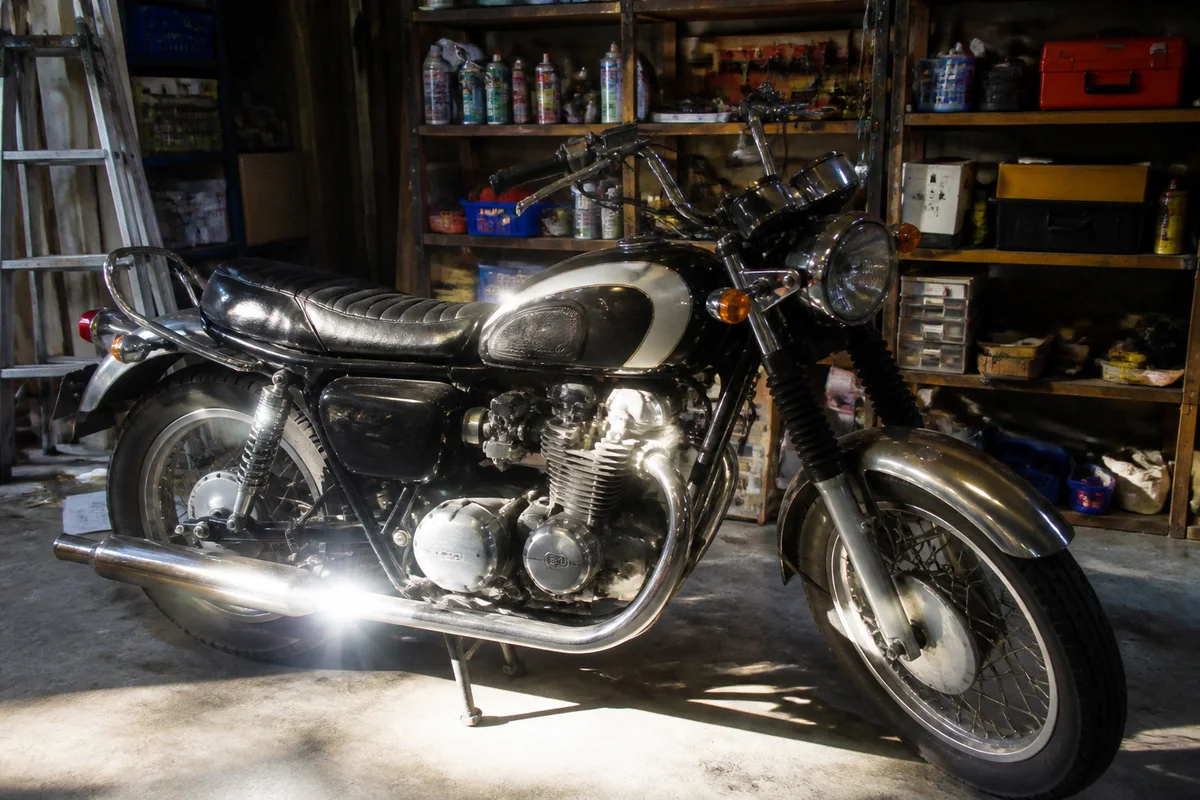
The workflow in action — drag to compare.
A motorcycle listing lives or dies on photos, and most bikes get photographed in the worst spot possible: a crowded garage with shelving, tools, and a water heater in the frame, or a driveway with the neighbor's cans in the background. Add chrome and tank glare from open sun, and the bike that's spotless in person looks cluttered and shiny-blown in the listing.
AI editing gives the bike the presentation it deserves. Swap the garage chaos for a clean wall or open pavement, cut the glare off the chrome and paint so the finish shows, sharpen the closeups of the odometer, tires, and drivetrain that serious buyers study, and reduce the color cast, and compare the listing photo with the paint in person before posting.
A clean photo set does two jobs: it attracts more inquiries, and it lets serious buyers study the bike clearly.
The problems this solves
- Garage backgrounds bury the bike in shelving, tools, and clutter.
- Chrome, tank paint, and pipes throw glare that hides the finish.
- Odometer, tire, and drivetrain closeups come out soft on a phone.
- Sunlight and shade shift the paint color away from reality.
A workflow that works
Give the bike a clean backdrop
A plain wall or open pavement puts every eye on the bike instead of the garage inventory behind it.
AI Background ChangerKill the chrome and tank glare
Glare reads as 'hiding something' to a buyer; a glare-free finish shows the actual condition.
AI Glare RemovalSharpen the buyer-inspection shots
Odometer digits, tire tread, and chain condition are trust shots — they need to be legible at full zoom.
AI Image SharpenerKeep the paint color true
A candy red that lists as orange invites disappointment at the meetup; correction makes the listed color match the real paint.
AI Color CorrectionFrequently asked questions
What photos does a motorcycle listing need?
Both full sides, front and rear three-quarter views, the odometer, tires, chain or belt, and any damage or wear you're disclosing. Shoot in open shade for the fewest glare problems, then edit the set together.
Can I remove scratches from the tank in photos?
Don't. Removing real damage misleads buyers and blows up at the meetup. Remove background clutter and lighting problems instead — and photograph the scratch clearly; disclosed flaws build trust.
Is a replaced background misleading to buyers?
No — the background isn't for sale. Buyers actually read a clean backdrop as care and seriousness. Just keep the bike itself exactly as it is.
Why do my closeups come out blurry?
Phones focus-hunt up close, especially in dim garages. Take closeups in bright, even light from slightly farther back, then crop and sharpen — the edited result beats a too-close soft original.
Related use cases