
Use case
Edit Bakery and Cake Photos with AI
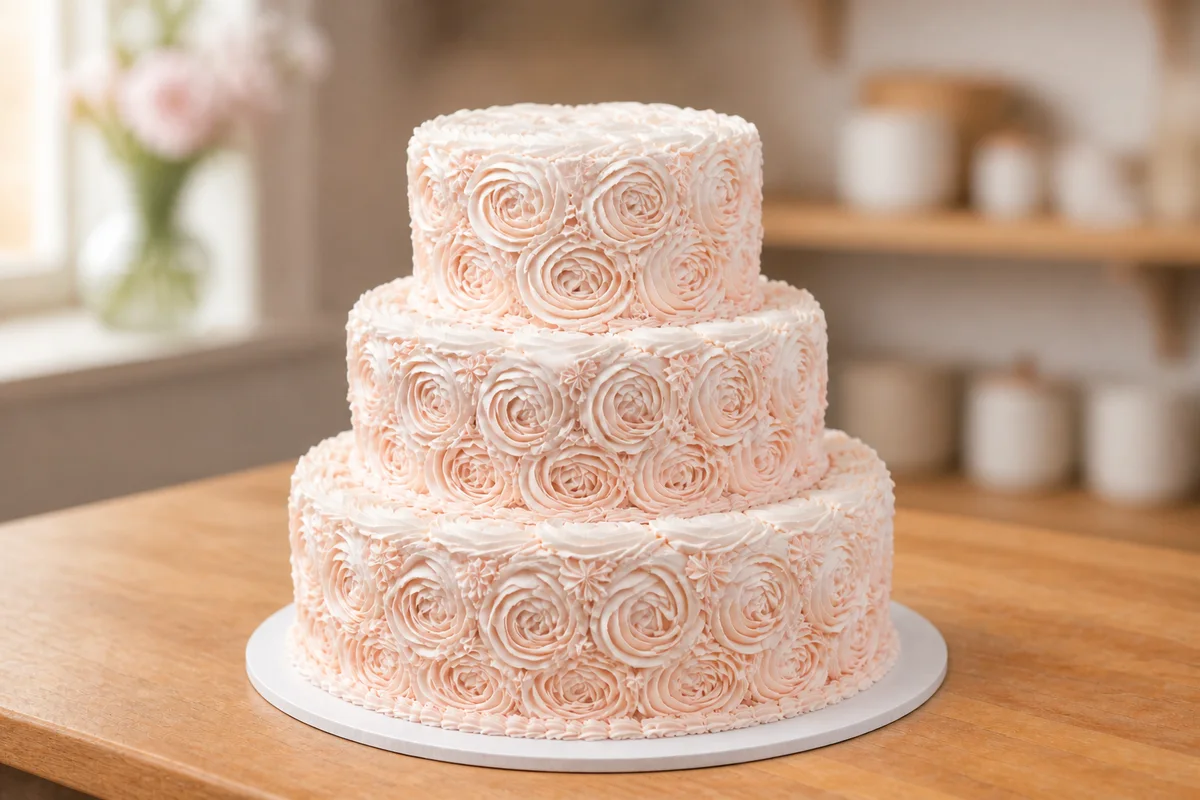
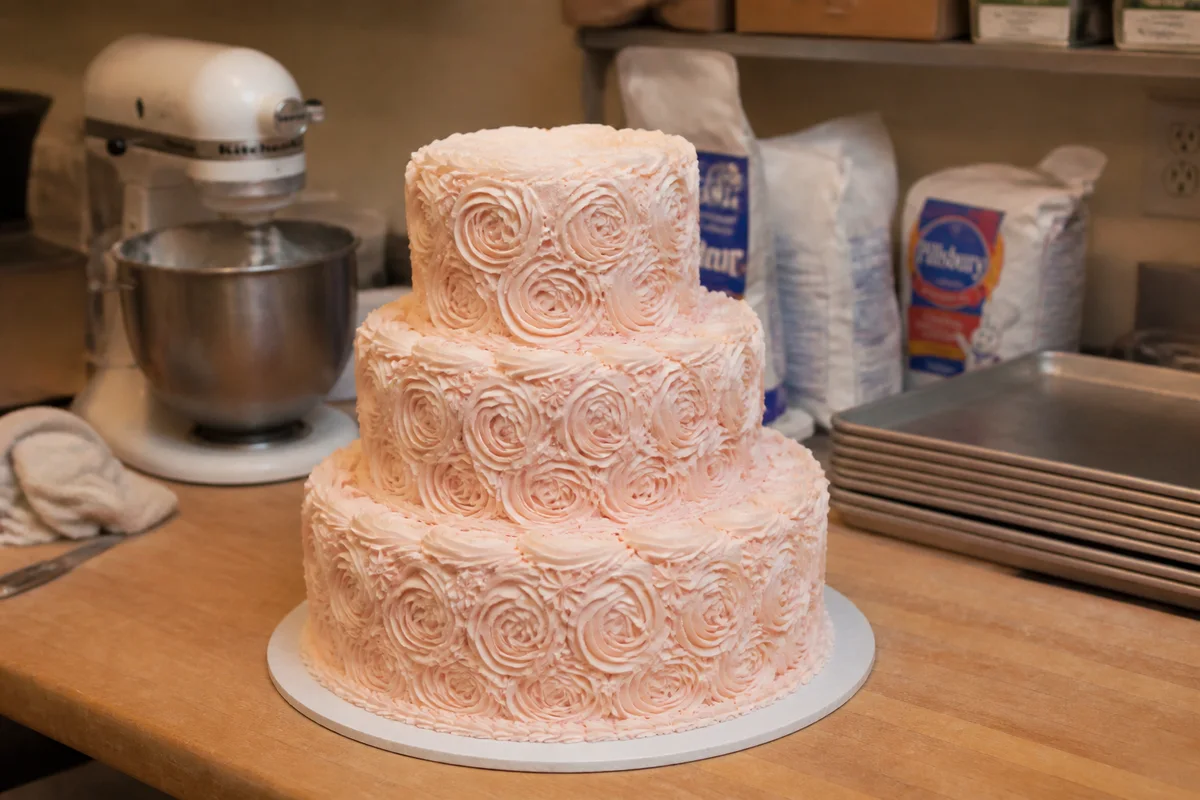
The workflow in action — drag to compare.
Custom cake orders come from photos — a bride scrolls your Instagram, a parent searches for birthday cakes, and the decision is made before anyone tastes anything. But cakes get photographed in working kitchens: mixer in the background, flour on the counter, warm overhead light that yellows white buttercream and shifts the exact colors you spent an hour matching to a client's theme.
AI editing makes the portfolio match the craft. Clean the kitchen clutter out of the frame, reduce the warm cast on white buttercream and the custom palette, brighten the shot to the airy, natural-light look bakery feeds are built on, and sharpen the piping and sugar-work detail that justifies custom pricing.
Every cake that leaves the kitchen is a portfolio piece — a five-minute edit before it goes out the door builds the feed that books the next order.
The problems this solves
- Working-kitchen backgrounds put mixers and flour bags behind finished cakes.
- Warm kitchen light yellows white buttercream and shifts custom colors.
- Piping and sugar-work detail goes soft in quick phone shots.
- The Instagram feed is the storefront, and inconsistent photos undersell the work.
A workflow that works
Clear the kitchen from the frame
The mixer and flour bags vanish, leaving the cake on a clean counter like a styled shoot.
AI Object RemoverGet frosting colors true
Clients order from your photos expecting exact colors; correction makes the blush pink you piped the blush pink they see.
AI Color CorrectionBrighten to bakery-feed light
The airy, window-lit look that dominates successful bakery feeds is a lighting edit away from any kitchen shot.
AI Lighting ChangerSharpen the detail work
Crisp piping, lace work, and sugar flowers are the evidence for custom pricing.
AI Image SharpenerSoften the background
A gentle background blur puts all the focus on the cake, mimicking the shallow depth of field of a professional food shoot.
AI Background BlurFrequently asked questions
When should I photograph a cake?
The moment it's finished, before boxing — near the biggest window you have, off the direct sun. That one habit plus editing gives you a professional portfolio without ever delaying a delivery.
My white cakes always look yellow. Why?
Kitchen bulbs run warm, and white frosting shows the cast more than anything else in the room. Color correction neutralizes it — and once whites are right, your custom colors fall into place too.
Can editing fix a cake photographed after a smudge or transport ding?
Small cosmetic touch-ups to the photo are fine for portfolio use, but never show clients a capability the real cake didn't have. The portfolio sells what you can reproduce.
What photos do wedding cake inquiries respond to?
A full shot of the assembled cake, one closeup of your best detail work, and one in-venue shot if you have it. Consistent bright editing across all three makes the portfolio — and the pricing — feel established.
Related use cases