
Enhance
AI Photo Editor
Describe any edit in plain words and watch it happen
Free credits on signup — no credit card required.
- 1Upload a photo and type what you want changed
- 2The AI interprets the request and edits only the relevant regions
- 3Refine your instruction and rerun until it is exactly right
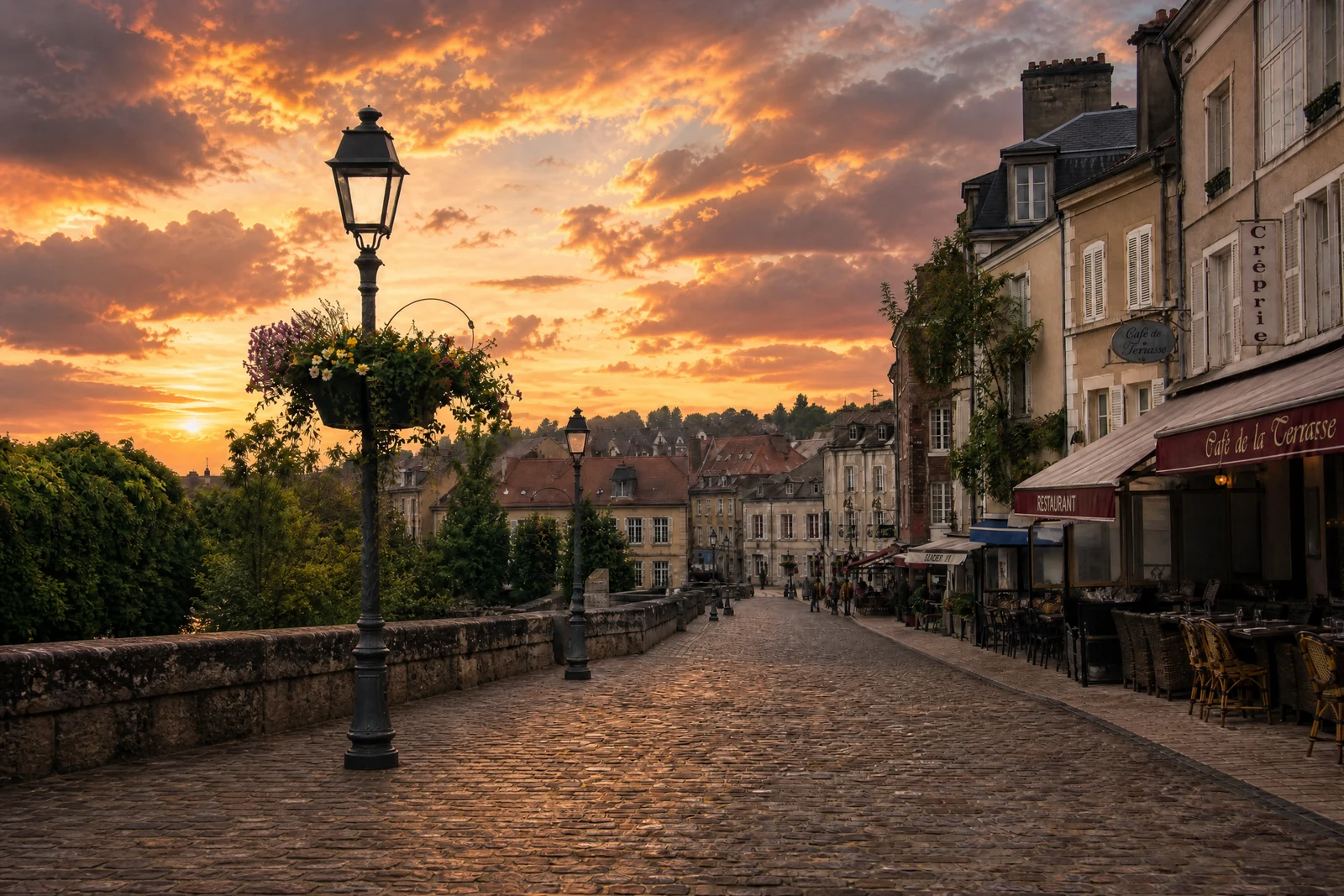
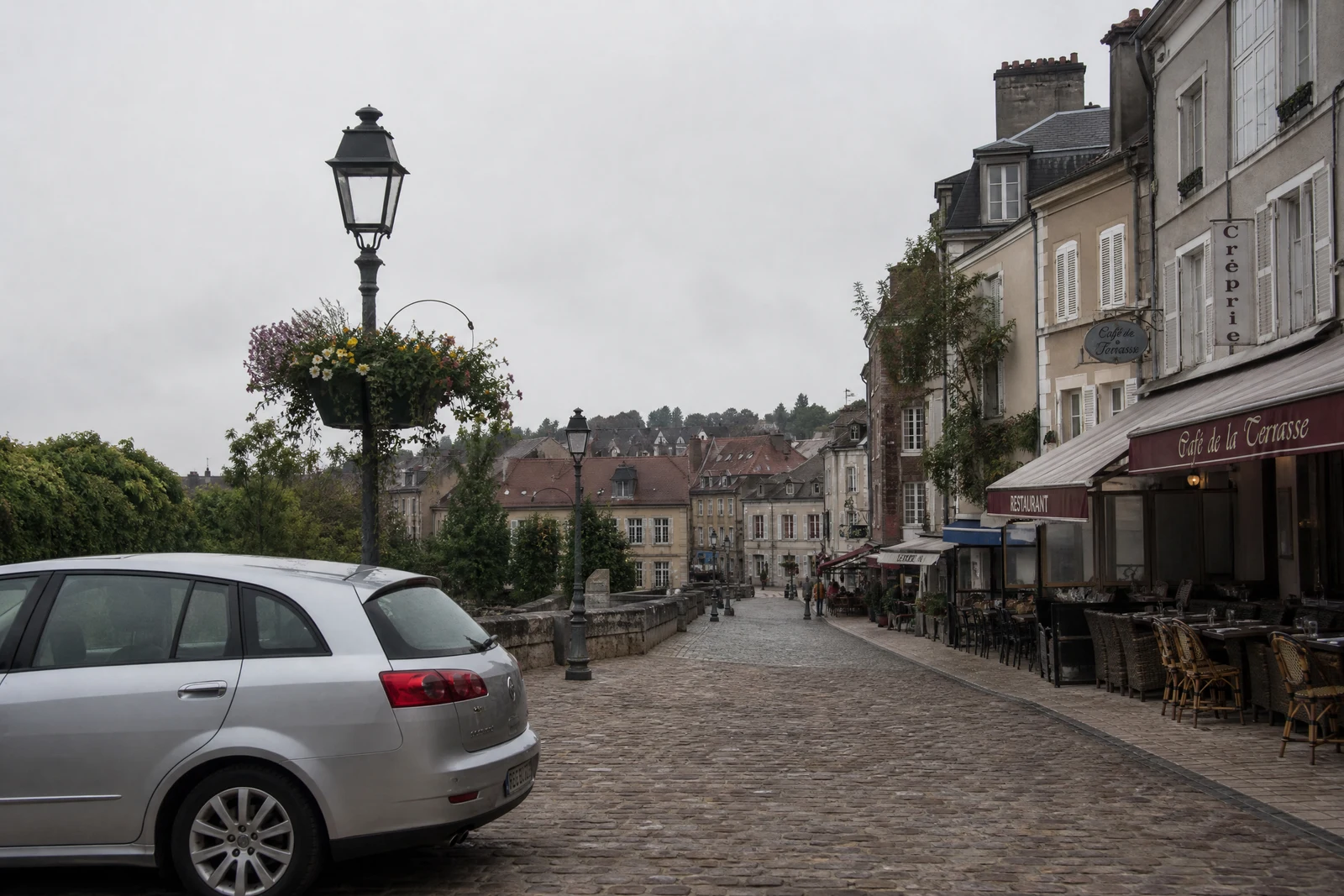
Real output from the editor — drag to compare.
Every specialized tool on this site does one job with tuned precision. The AI Editor is the generalist: a single text box where you describe any edit in ordinary language and the model carries it out. It is the tool for edits that do not fit a category, for combining several changes in one instruction, and for people who would rather say what they want than learn where the right button lives.
The range is wide. Remove things ('take out the exit sign'), change materials and colors ('make the jacket denim'), adjust mood ('warmer, like late afternoon'), alter scenes ('add light fog in the background'), or stack instructions ('brighten her face, straighten the horizon, and mute the background colors'). The AI parses the request, finds the relevant regions, and edits them while leaving the rest of the photo alone.
A practical workflow: start here to rough out an idea, then use the specialized tools when one of them matches the job, since a dedicated pipeline like Remove Background or Face Swap will beat a general instruction at its own specialty. Like every tool, it runs at low, medium, or high quality tiers from the editor at /create.
Why this tool
- Chain the result into any of the other tools
- Standard, Pro and Max quality tiers
- Results land in your creations library
- Upscale to print size or turn into video
Frequently asked questions
What kinds of edits can I ask for?
Almost anything you can phrase: removing or adding elements, changing colors and materials, shifting lighting or mood, cleaning backgrounds, and stylistic grades. If a dedicated tool exists for the job, it will usually do that one thing better.
How should I phrase requests?
Be concrete about the what and the where: 'remove the coffee cup on the windowsill' beats 'clean this up'. You can chain several changes in one prompt, and rerunning with an adjusted prompt is cheap iteration.
Does it edit the whole image or just what I mention?
It localizes the edit to the regions your instruction implies. 'Change the wall to sage green' targets the wall rather than people and furniture — review the output to confirm the edit stayed where you intended; global requests like 'make it moodier' intentionally affect the whole grade.
What if the result is not what I meant?
Adjust the wording and run again; your original is never modified, so nothing is lost. Adding position words, colors, and comparisons ('darker, like dusk') steers the model quickly toward your intent.
Can I try AI Photo Editor for free?
Yes — every new account starts with 4 free credits, enough to run this tool once at Standard quality. No credit card required.
Related tools