
Creative
Photo to Photo
Reimagine any photo as something new
Free credits on signup — no credit card required.
- 1Upload the photo you want to transform
- 2Describe the look, era or medium you want
- 3Run it, then refine or chain the result into other tools
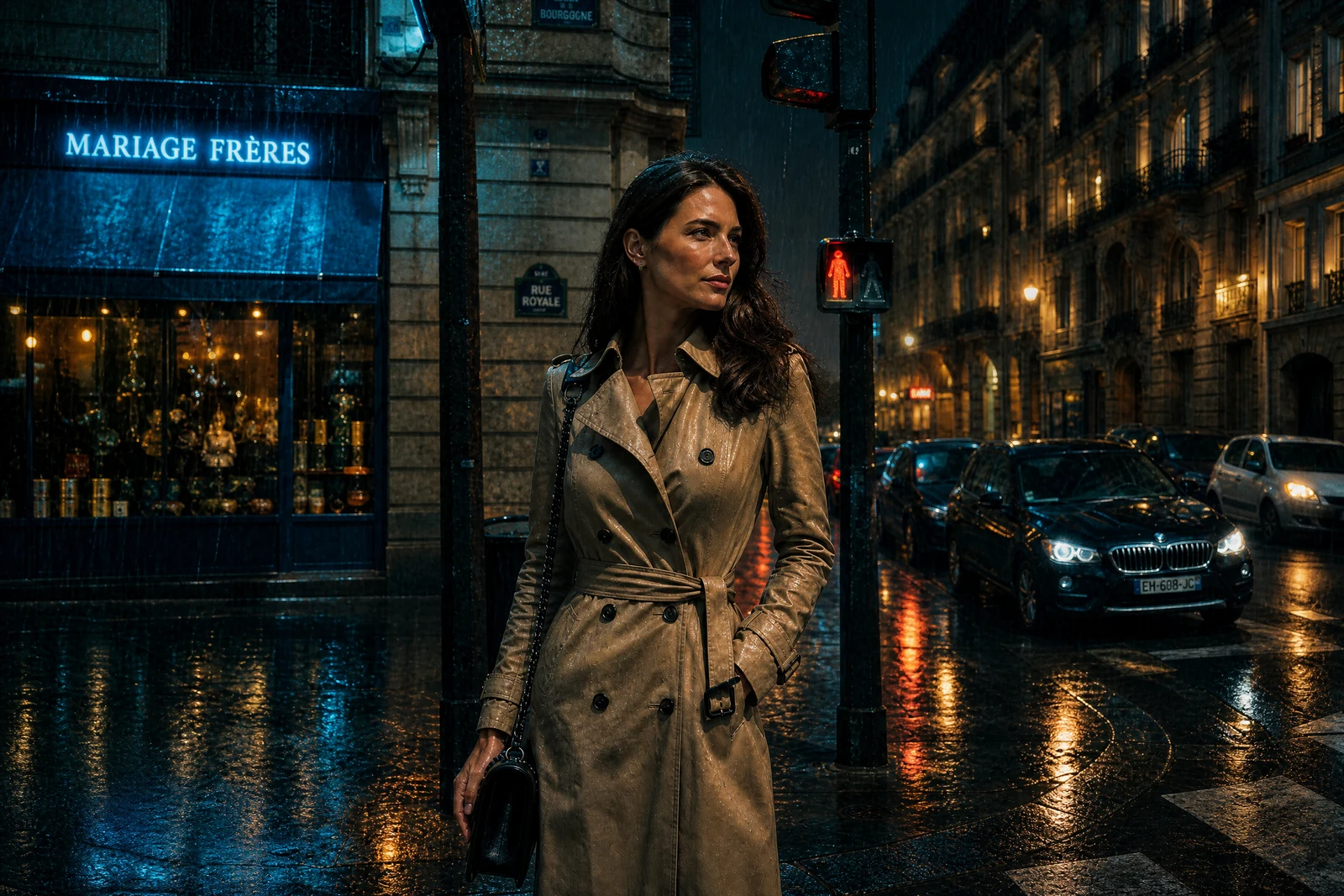

Real output from the editor — drag to compare.
Some edits are not fixes, they are transformations: the same photo, re-imagined in a different medium, era or mood. Photo to Photo takes your image and a single sentence describing where you want it to go, and re-renders the scene to match while keeping the composition and subject recognizable.
Because it accepts free-form direction, it covers the long tail of creative requests that named tools do not: film stills, album-cover looks, seasonal re-dressings, painting styles that do not have a preset. If you can describe it, you can try it — and because every result lands in your creations library, you can chain it into any other tool afterwards, from upscaling to video.
Why this tool
- Chain the result into any of the other tools
- Standard, Pro and Max quality tiers
- Results land in your creations library
- Upscale to print size or turn into video
Frequently asked questions
How is this different from the AI Editor?
The AI Editor is built for targeted edits that keep the photo looking like a photo. Photo to Photo is built for whole-image transformations of style, medium or mood.
Will faces stay recognizable?
The model preserves composition and likeness as much as the requested style allows. Stronger stylization naturally trades away some photographic likeness.
What quality tier should I use?
Standard is great for exploring looks. Switch to Pro or Max when you have found a direction and want a version worth printing or posting.
Can I transform the result again?
Yes. Every result saves to your creations library, and any creation can be sent back into this or any other tool for another pass.
Can I try Photo to Photo for free?
Yes — every new account starts with 4 free credits, enough to run this tool once at Standard quality. No credit card required.
Related tools