
Background
AI Background Remover
Cut out any subject on a clean, transparent background
Free credits on signup — no credit card required.
- 1Open /create and upload your photo (JPG, PNG, or WebP)
- 2The AI detects the subject and traces its edges automatically
- 3Download the transparent-background cutout as a PNG
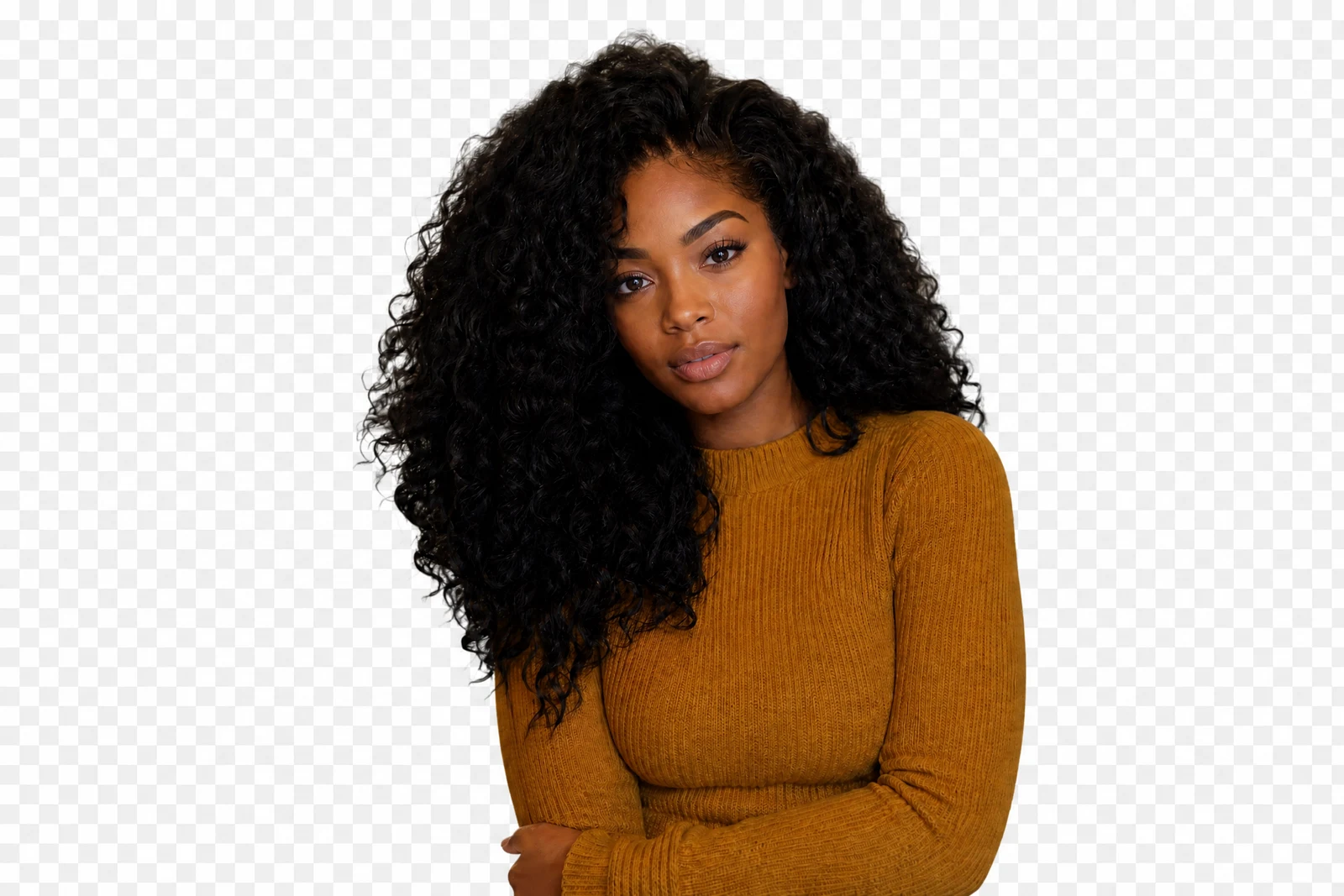
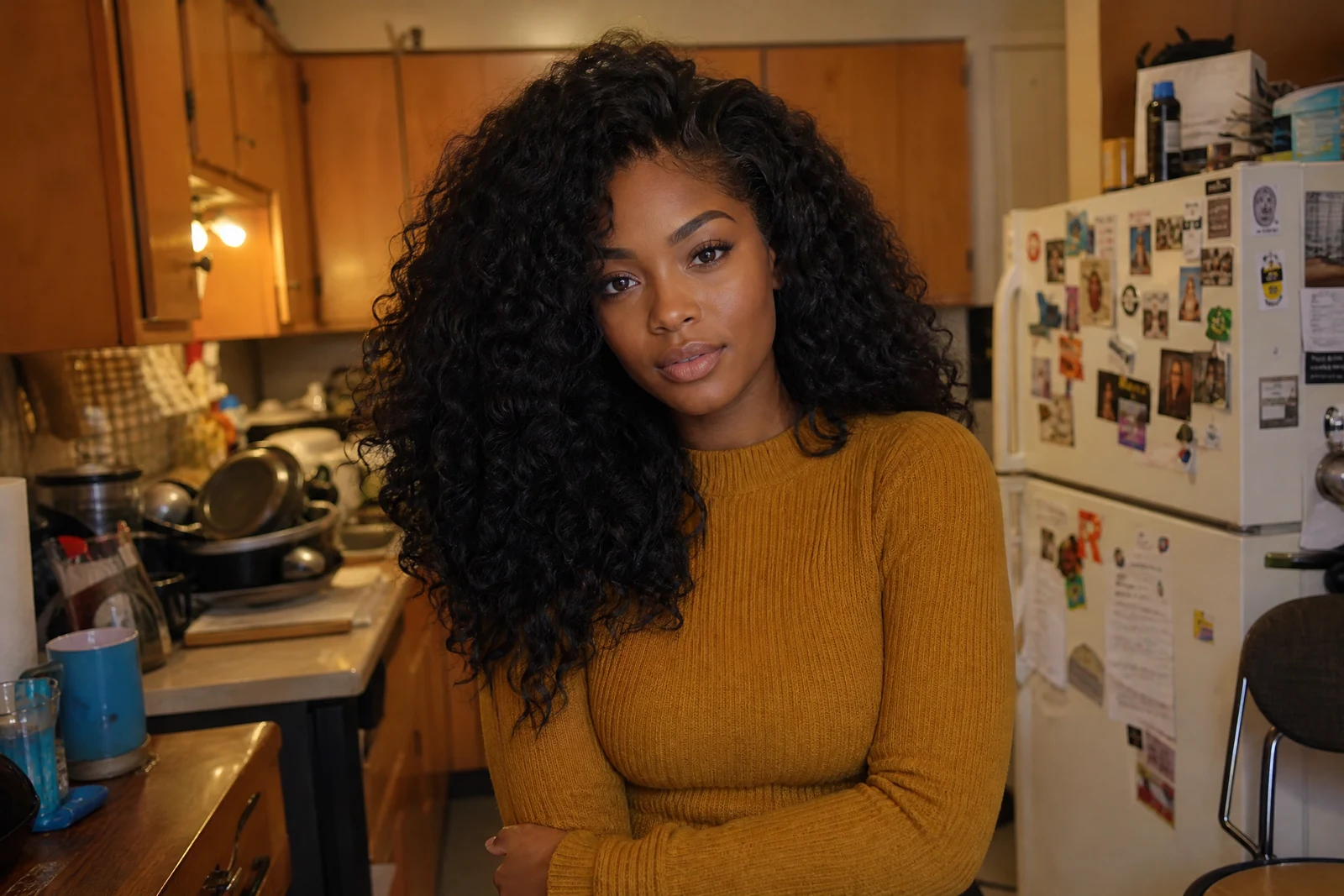
Real output from the editor — drag to compare.
Background removal is the first step in almost every compositing job: product listings, profile photos, thumbnails, flyers, and collages all start with a clean cutout. Doing it by hand with a pen tool takes minutes per image and still struggles with hair strands, fur, mesh fabric, and semi-transparent edges. This tool hands that work to a segmentation model that separates subject from scene automatically.
Upload a photo and the AI identifies the main subject, traces its outline down to individual hair strands, and returns the cutout on a transparent background. There is nothing to configure and no mask to paint. Because the edges are detected rather than drawn, you avoid the halo artifacts and jagged outlines that manual selection tends to leave behind.
The result works anywhere a PNG with transparency works: drop it onto a colored backdrop for a product listing, layer it into a design, or feed it straight into the Change Background tool to place the subject in a completely new scene. Low, medium, and high quality tiers are available if you want to trade a little fidelity for faster, cheaper renders.
Why this tool
- Chain the result into any of the other tools
- Standard, Pro and Max quality tiers
- Results land in your creations library
- Upscale to print size or turn into video
Frequently asked questions
What file format is the result?
The cutout is delivered as a PNG with a true alpha channel, so the background is genuinely transparent rather than filled with white. You can place it over any color or image without further editing.
How does it handle hair and fuzzy edges?
The segmentation model estimates partial transparency along soft edges like hair, fur, and fabric instead of cutting a hard outline. Fine strands are preserved rather than clipped, which is where manual selections usually fail.
Does it work on photos with multiple subjects?
Yes. The AI keeps the prominent foreground subjects and removes the scene behind them. If you need one specific person isolated from a group, crop to that person first for the most predictable result.
Is my original photo modified?
No. Edits are non-destructive: the tool generates a new image and your uploaded original is preserved, so you can re-run the cutout or try other tools on the same photo.
Can I try AI Background Remover for free?
Yes — every new account starts with 4 free credits, enough to run this tool once at Standard quality. No credit card required.
Related tools