
Text & Objects
AI Add Object
Insert any object into your photo, exactly where you want it
Free credits on signup — no credit card required.
- 1Upload a photo, then describe the object and its location
- 2The AI renders the object in place with matched scale, light, and shadow
- 3Download the result or adjust the description and rerun

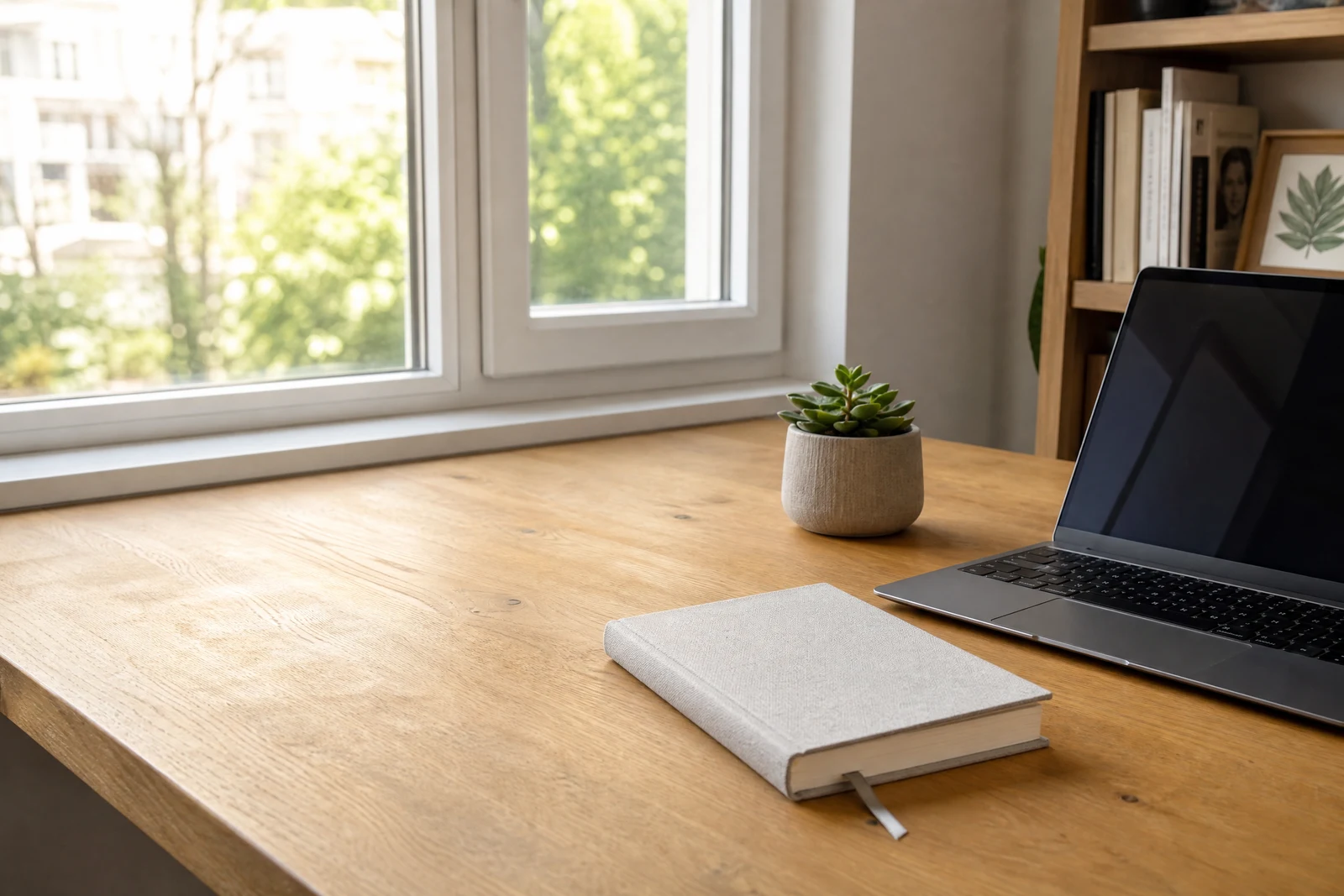
Real output from the editor — drag to compare.
Adding an element to a photo believably requires the new object to obey the scene: its size must fit the perspective, its lighting must come from the same direction as everything else, and it must cast a shadow that anchors it to a surface. Compositing that by hand from stock images is slow, which is why most casual composites look floaty. This tool generates the object directly inside your scene instead.
You provide two pieces of information: what to add and where to put it. 'A steaming coffee cup, on the desk next to the laptop' is enough for the AI to render the cup at desk scale, lit by the same window light as the rest of the shot, with a soft shadow tying it to the surface. Materials pick up the scene, so glass refracts and metal reflects plausibly.
It is useful for staging interiors, filling empty tables in food and lifestyle photography, adding props to product scenes, and playful edits. For inserting a specific person from another photo, use Add People; for placing your actual product into a lifestyle scene with a model, AI Hold / Wear Product is purpose-built.
Why this tool
- Chain the result into any of the other tools
- Standard, Pro and Max quality tiers
- Results land in your creations library
- Upscale to print size or turn into video
Frequently asked questions
How precisely can I control placement?
Placement follows your location description, so reference things already in the frame: 'on the left edge of the bench', 'behind the sofa', 'in her right hand'. Relative positions to visible objects work much better than pixel-style instructions.
Will the object match my photo's lighting?
Yes, that is the core of the tool. The object is generated inside the scene, so light direction, warmth, and shadow softness are inherited from the photo rather than pasted in from elsewhere.
Can I add a specific real product, like my own bottle design?
Text descriptions produce a generic version of the object. To place your exact product, use AI Hold / Wear Product, which takes a photo of the real item as input and preserves its design.
Can I add several objects at once?
One well-described object per run gives the most control. To build a scene, add objects in successive runs; each result becomes the input for the next addition.
Can I try AI Add Object for free?
Yes — every new account starts with 4 free credits, enough to run this tool once at Standard quality. No credit card required.
Related tools