
Retouch
AI Photo Retouch
One-pass cleanup and polish for any photo
Free credits on signup — no credit card required.
- 1Upload any photo that needs an all-round cleanup
- 2Run the retouch pass at your chosen quality
- 3Compare with the original, then chain into a specialist tool if needed
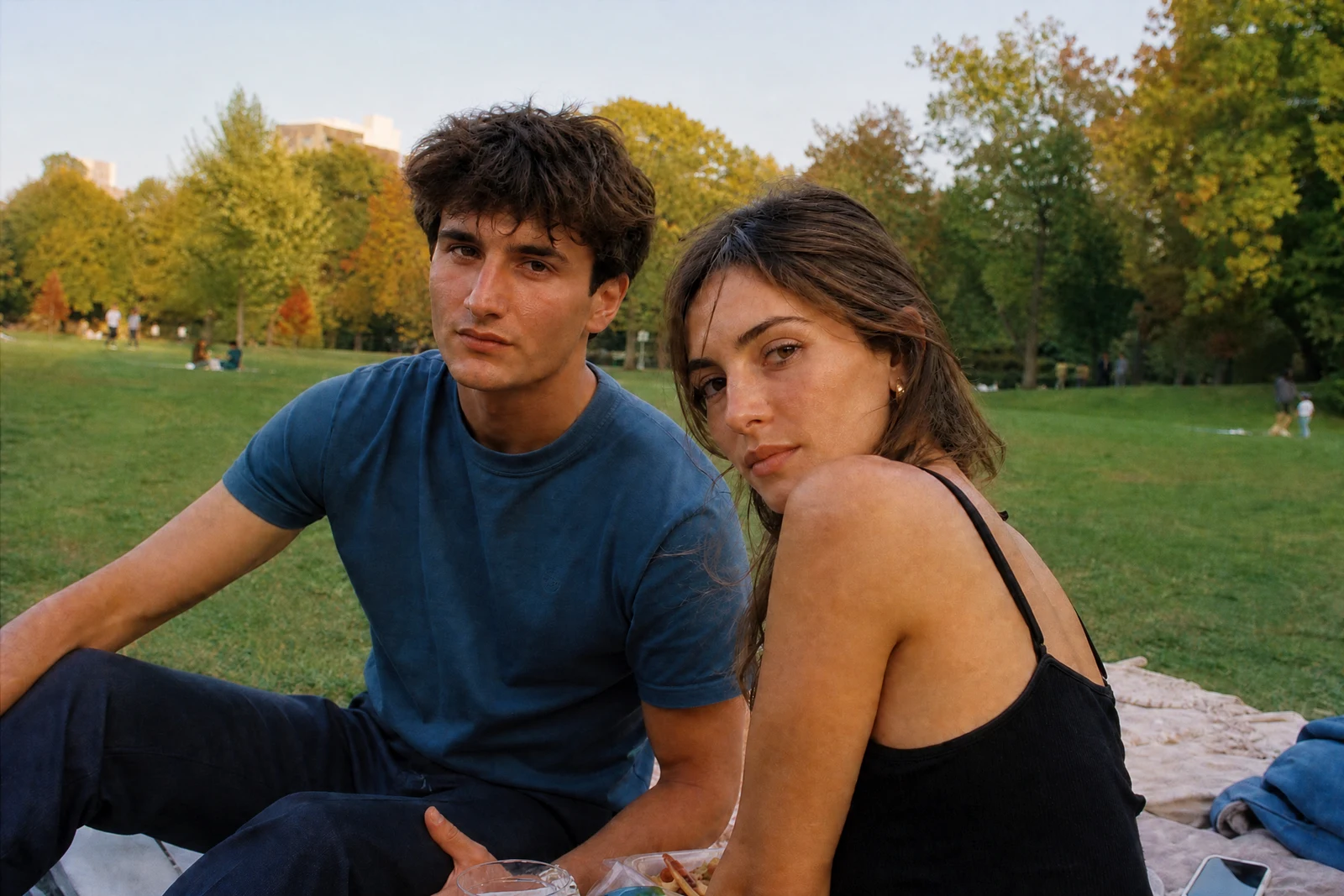
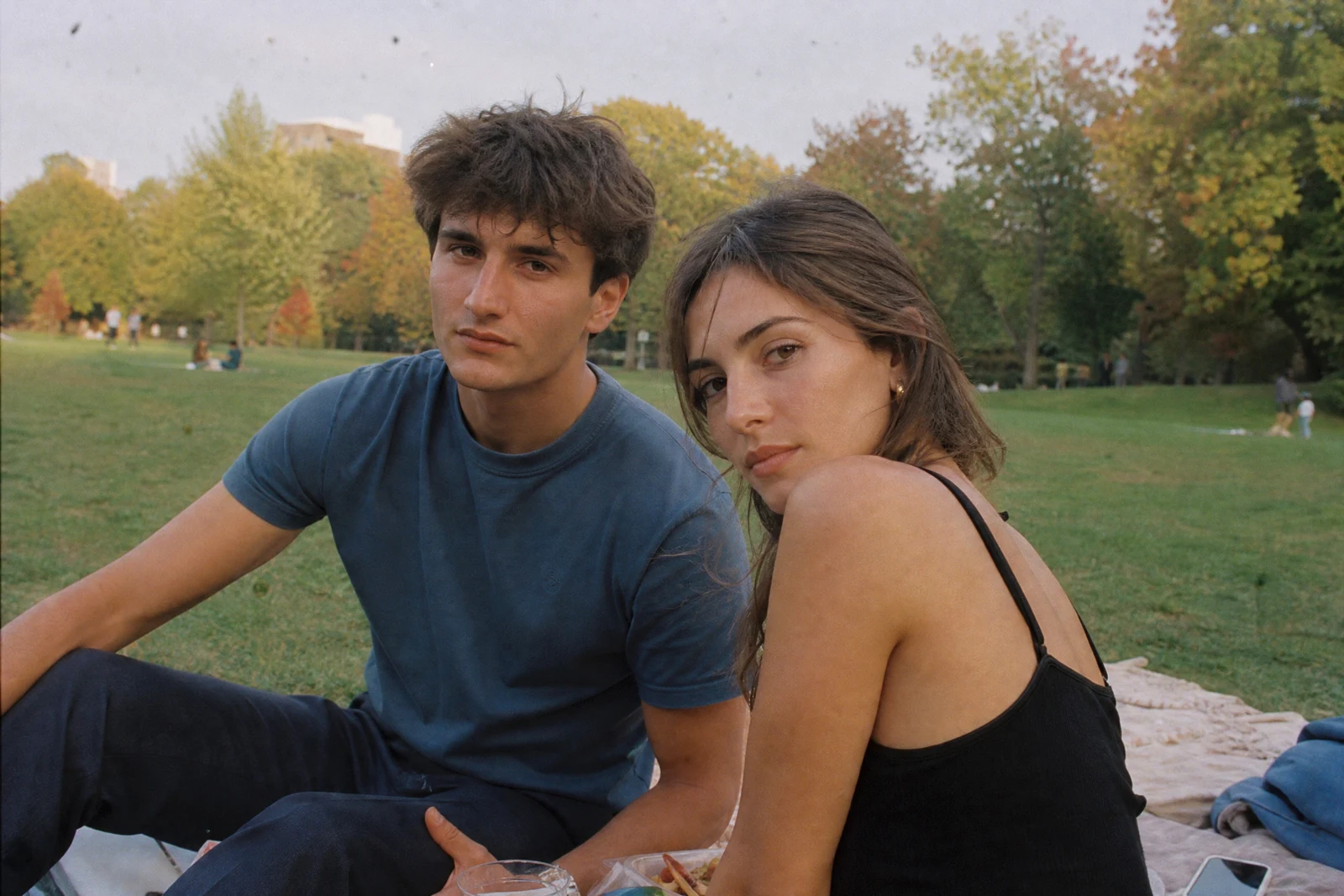
Real output from the editor — drag to compare.
Most photos don't need a specialist tool — they need ten small things at once: a smudge gone, the light balanced, the color cast corrected, the detail lifted. That's what this pass does. Upload any photo — a person, a room, a plate, a pet — and it applies an all-round retouch aimed at a clean, natural result rather than any single dramatic change.
Use it as the first stop when you're not sure which tool a photo needs. If the result gets you 90% there, chain it into a specialist tool for the rest — face retouch for portraits, background tools for scenes, the upscaler for print. Review the result side by side with the original before you publish, and re-run or re-shoot if anything looks off.
Why this tool
- Chain the result into any of the other tools
- Standard, Pro and Max quality tiers
- Results land in your creations library
- Upscale to print size or turn into video
Frequently asked questions
How is this different from AI Face Retouch?
Face Retouch concentrates on skin and facial features. This is a whole-frame pass — light, color, marks and detail across the entire photo — for any subject.
What kinds of photos work best?
Anything: portraits, rooms, food, pets, street shots. It aims for balanced, natural results, so photos with one glaring specific problem may do better with the dedicated tool for that problem.
Can I run it more than once?
Yes, though one pass is usually the sweet spot. For stronger changes, chain the result into a specific tool instead of stacking general passes.
Which quality should I pick?
Standard for everyday shots and drafts, Pro for keepers, Max when the photo is headed to print or a client — then upscale from the canvas if you need more resolution.
Can I try AI Photo Retouch for free?
Yes — every new account starts with 4 free credits, enough to run this tool once at Standard quality. No credit card required.
Related tools