
Retouch
AI Age Reduction
Look like yourself, some years back
Free credits on signup — no credit card required.
- 1Upload a clear portrait
- 2Choose how many years to reduce, from 5 to 30
- 3The AI de-ages the face while preserving identity; download the result
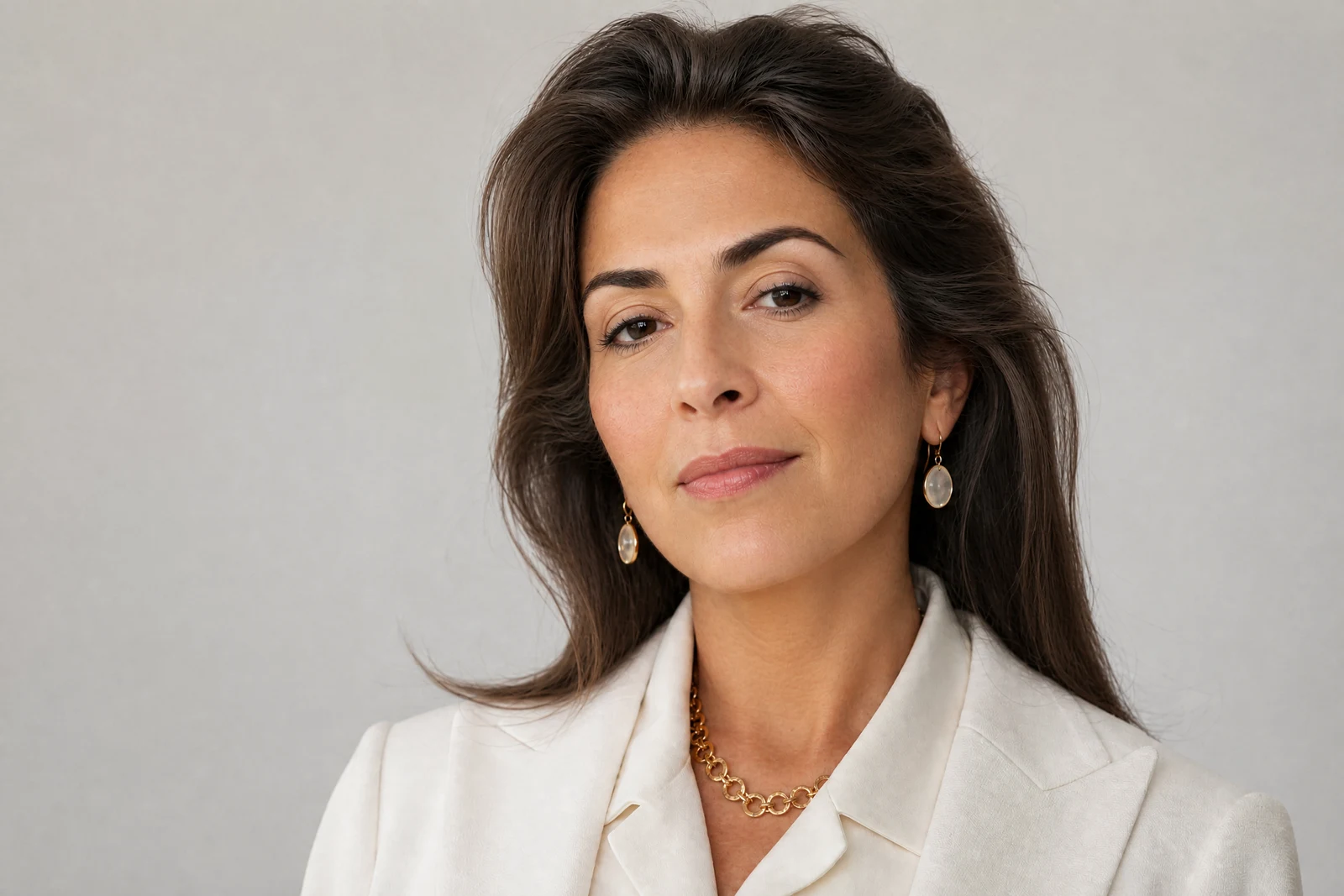
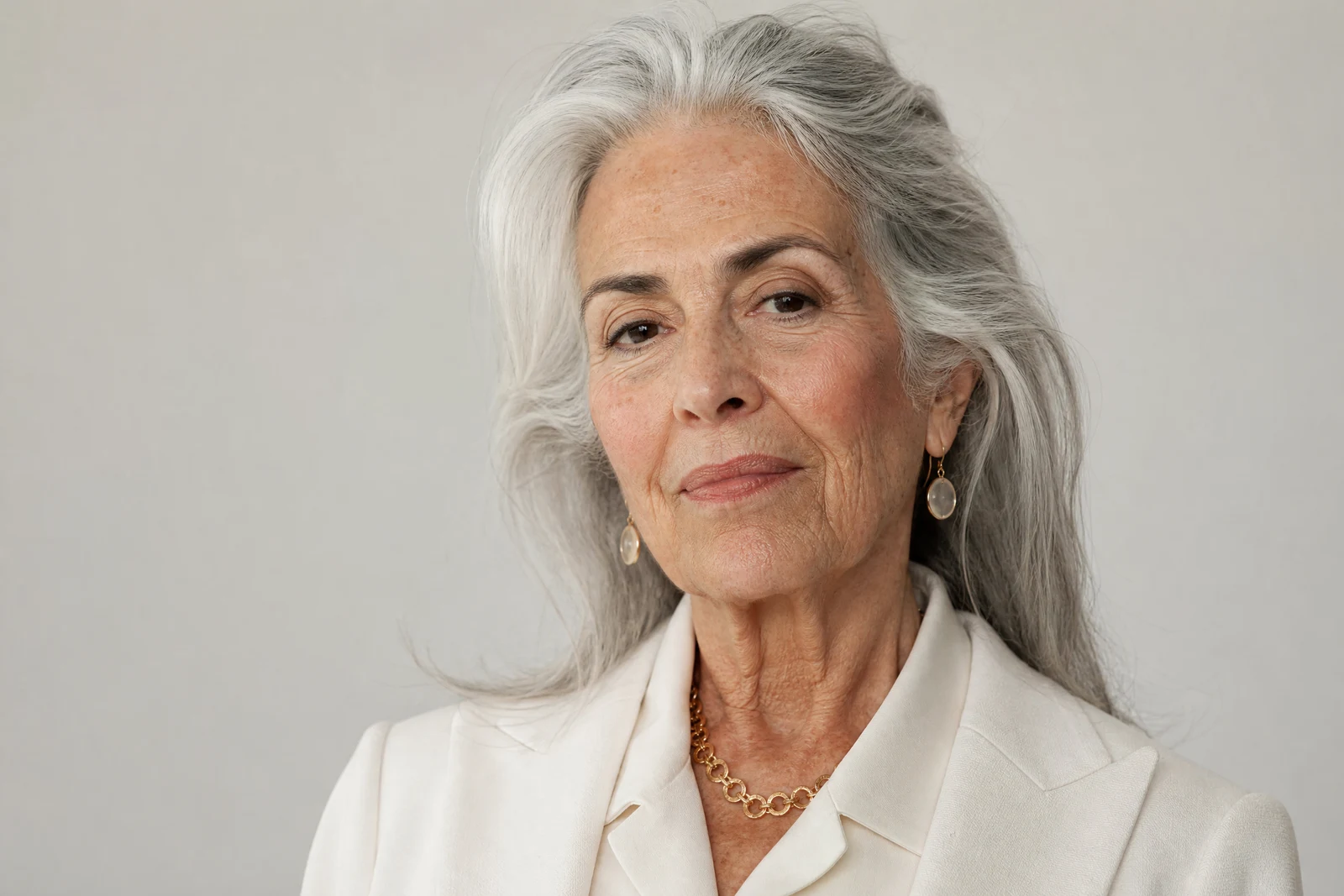
Real output from the editor — drag to compare.
Aging leaves a consistent, well-documented trail on a face: fine lines around the eyes first, then deeper folds around the mouth, gradual loss of skin firmness along the jaw, thinning brows, and graying hair. Reversing it believably means walking that trail backwards in the right order and to the right degree, which is a very different operation from blurring everything smooth.
Choose how many years to wind back, from a subtle 5 to a dramatic 30, and the AI de-ages accordingly: lines soften in reverse order of how they appeared, skin regains firmness and light, gray recedes from the hair, and the features stay exactly where they are. Identity is the anchor: at every step the face remains unmistakably yours, closer to how your own photos from that era actually look.
People use it to reconstruct how a parent looked decades ago, to create then-and-now pairs, to soften a decade off a profile photo, and simply out of curiosity. The mirror-image tool, Age Progression, runs the same understanding forward; the pair makes a striking timeline from a single portrait.
Why this tool
- Chain the result into any of the other tools
- Standard, Pro and Max quality tiers
- Results land in your creations library
- Upscale to print size or turn into video
Frequently asked questions
Will I still look like me?
Yes. The tool reverses aging markers, lines, skin firmness, gray hair, without moving or reshaping features. The benchmark is your own photos from that many years ago, not a generic younger face.
What is the difference between 5 and 30 years?
5 to 10 years reads as 'well-rested and fresh': softened fine lines, brighter skin. 20 to 30 years is a visible transformation, with deep lines gone and hair color restored, appropriate for reconstructions rather than subtle flattery.
Does it change hair as well as skin?
Yes, gray recedes progressively with larger reductions, since leftover gray hair over youthful skin instantly breaks the illusion. Hairstyle is not a target of the edit — review the result to confirm.
How is this different from Retouch Face?
Retouch cleans up a photo at your current age: blemishes, shine, tone. Age Reduction changes the age itself. For a natural 'great photo of present-day me', Retouch is what you want.
Can I try AI Age Reduction for free?
Yes — every new account starts with 4 free credits, enough to run this tool once at Standard quality. No credit card required.
Related tools