
Retouch
AI Age Progression
A realistic preview of your older self
Free credits on signup — no credit card required.
- 1Upload a clear, front-facing portrait
- 2Pick an aging amount, a target age, or an aging style
- 3The AI ages the face realistically; download your future self
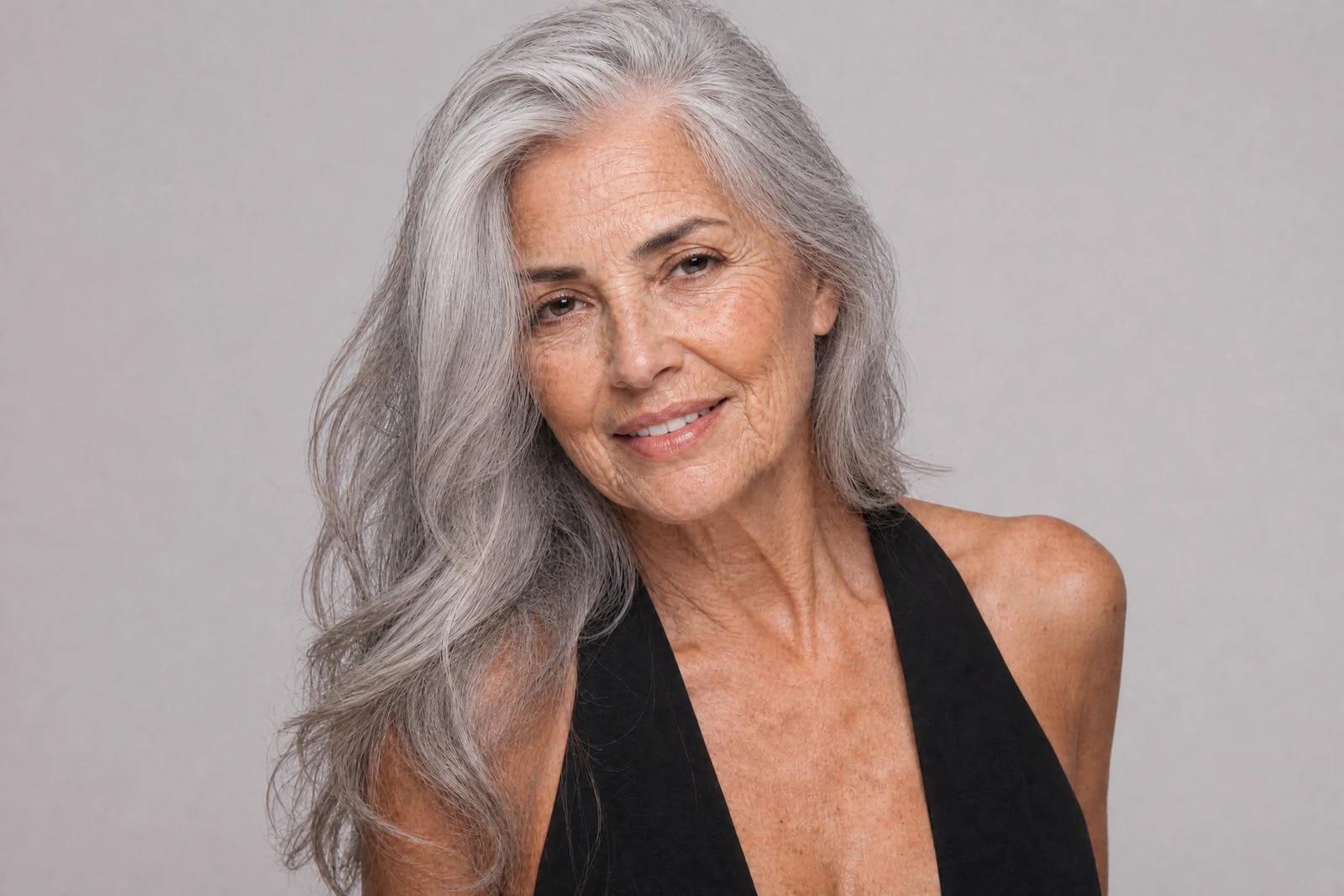
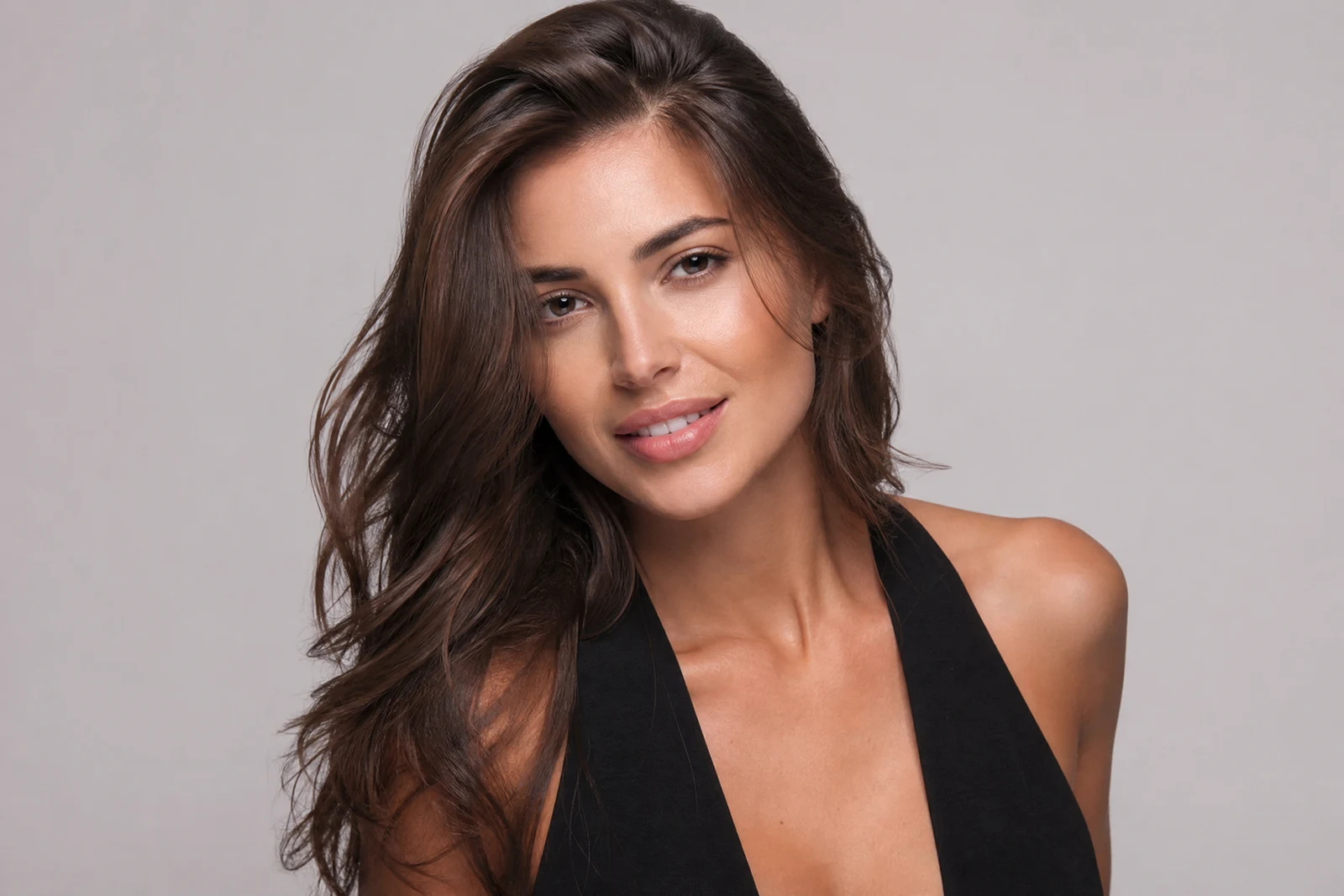
Real output from the editor — drag to compare.
Age progression is forensic science as much as curiosity: investigators use it to update photos of long-missing persons, and the underlying knowledge, how specific facial structures age over decades, is what powers this tool. Your bone structure, the way you smile, and where your face carries tension all predict where lines will form and how features will settle.
Choose a relative jump (+10 to +40 years) or a target age (50 through 80) and the AI ages the portrait accordingly: crow's feet and forehead lines arrive first, then deeper folds, changing skin texture, graying and thinning hair, and the subtle structural shifts of later decades. Character options like Graceful and Distinguished steer the style of aging rather than the amount. Throughout, the face stays yours; a good progression looks like a photo of you taken at a future birthday.
People use it for fun with friends and family, for long-horizon perspective (some financial advisors use aged photos to make retirement feel concrete), and for creative projects that need one character across a lifetime. Run Age Reduction on the same portrait and you have a full timeline in both directions.
Why this tool
- Chain the result into any of the other tools
- Standard, Pro and Max quality tiers
- Results land in your creations library
- Upscale to print size or turn into video
Frequently asked questions
How accurate is the prediction?
It is a well-informed projection based on how faces with your structure typically age, the same principle behind forensic age progression. Lifestyle, health, and luck will write the real version; treat it as plausible, not prophetic.
What is the difference between +30 years and 'Age to 60'?
+30 adds thirty years to your apparent current age, so the result depends on where you start. 'Age to 60' targets a specific age regardless of the input. Use targets when you want consistent endpoints across different people.
What do the Graceful and Distinguished options do?
They set the character of aging rather than the quantity: Graceful leans into elegant, even aging; Distinguished produces the polished mature look. Combine expectations accordingly; both still age the face visibly.
Does it age hair and not just skin?
Yes: graying, changes in hairline and density, and brow softening all progress with the chosen amount, because skin-only aging looks like makeup rather than time.
Can I try AI Age Progression for free?
Yes — every new account starts with 4 free credits, enough to run this tool once at Standard quality. No credit card required.
Related tools